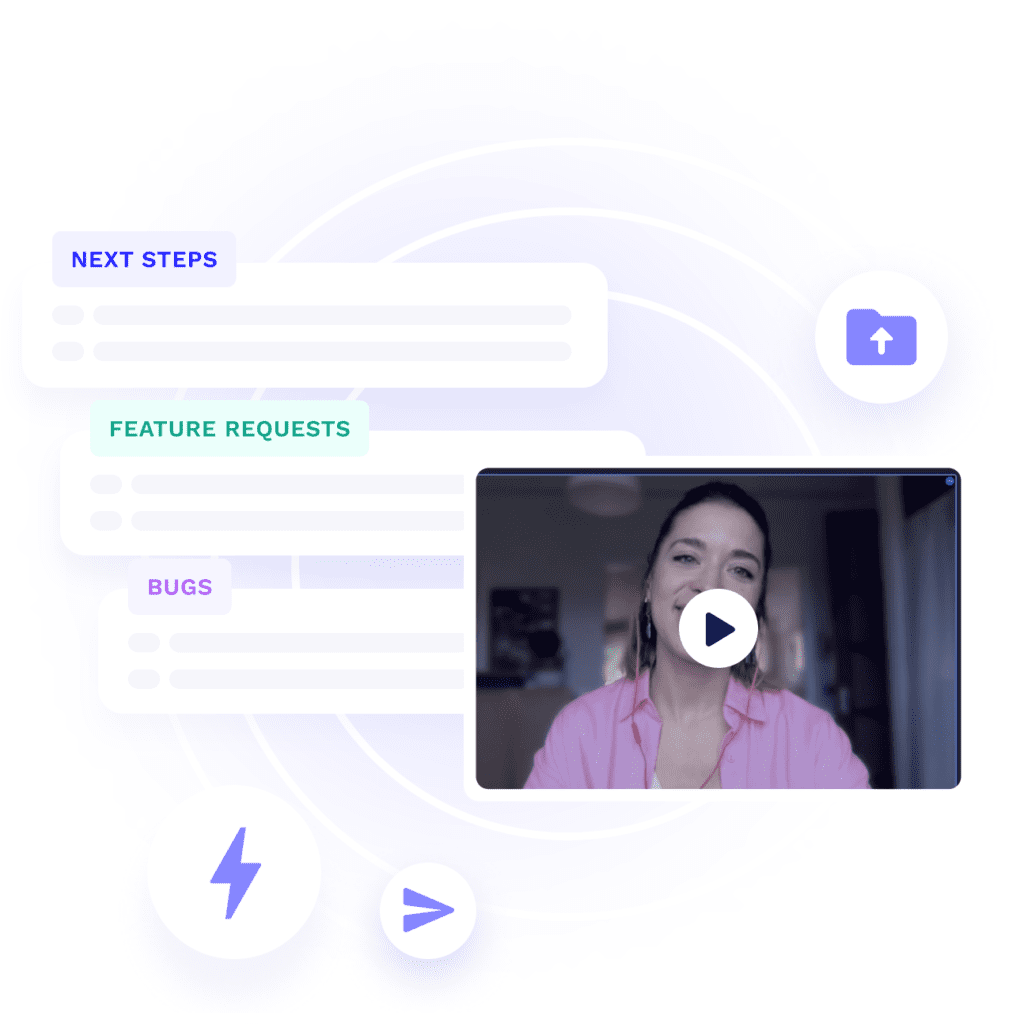
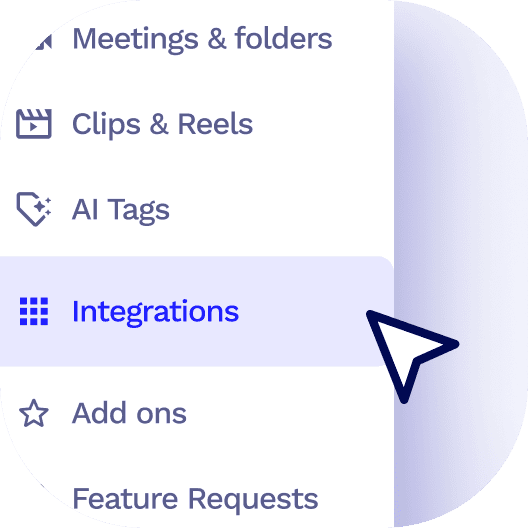
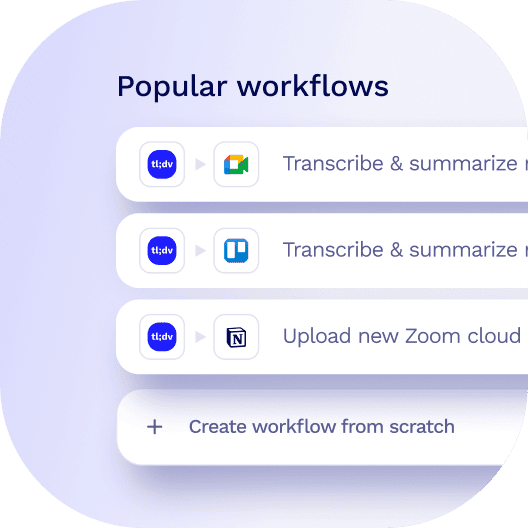
Task management meets comprehensive conversation clarity. With tl;dv, seamlessly blend your Microsoft Teams, Zoom, and Google Meet dialogues into Asana, ensuring each project milestone is fortified with team discussions.
Projects Pulsating with AI-curated Conversations.
Unleash our AI Meeting Template tailored for meticulous task coordination, pouring the distilled essence of team meetings right into Asana. Project managers and teams can now navigate through tasks in Asana and get an instant briefing with tl;dv’s AI-backed summaries. Need to dive deeper? Click straight into specific segments of the recorded session for a fuller perspective.
Seamlessly transition your meeting intelligence from Zoom, Google Meet, and Microsoft Teams into OneDrive, creating a unified space for collaboration and insights that propel projects forward.
Directly integrate your Zoom, Google Meet, and Microsoft Teams meetings into Dropbox, ensuring a seamless workflow where recordings and AI-generated insights enhance every project file.
 Skip to content