Log every call automatically with the tl;dv HubSpot meeting notes integration. We record and transcribe your Google Meet, Zoom and Microsoft Teams calls, then sync notes, transcripts and recordings to the right HubSpot record. Connect it once and it runs itself.
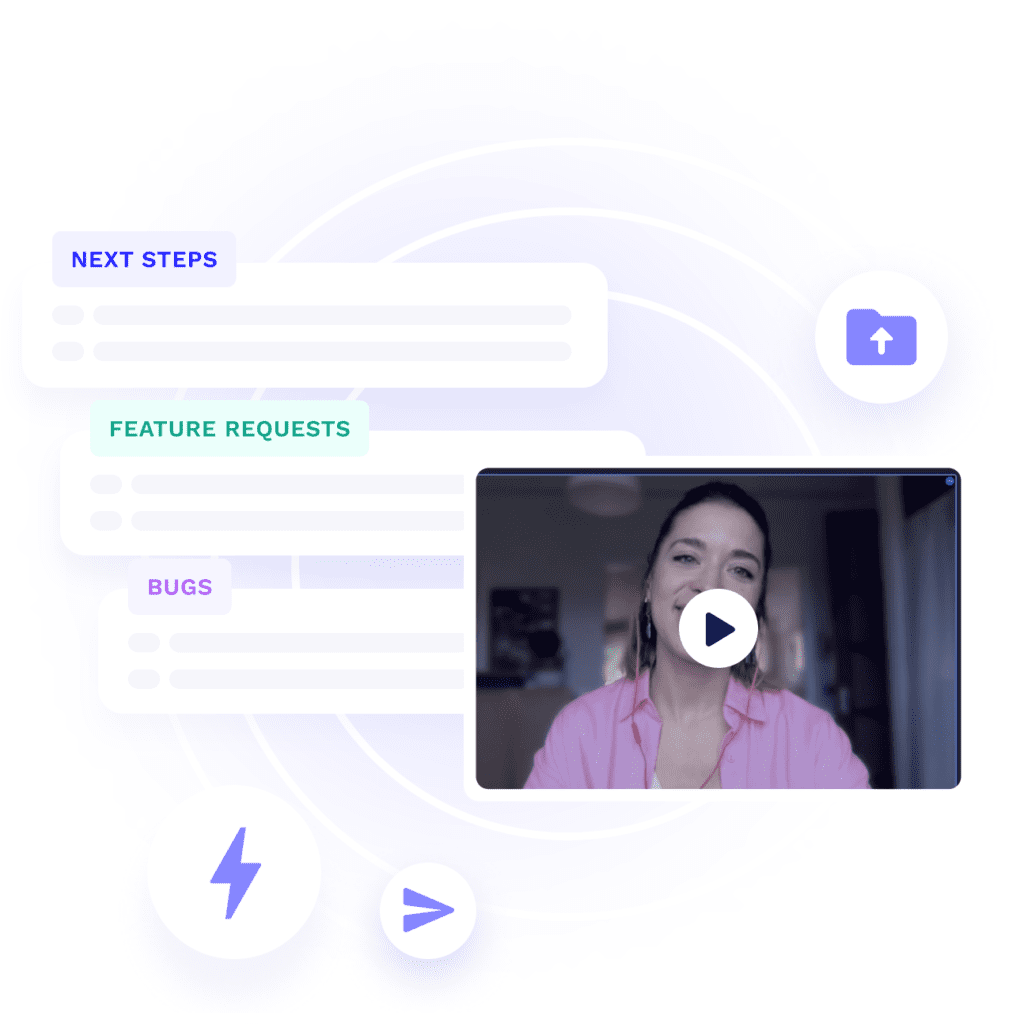
Every meeting you record with tl;dv is matched to the HubSpot record it belongs to, then written there as an AI summary, a full transcript and a playable recording.
Nobody has to open HubSpot for that to happen. The call ends, the summary is written, the record updates. And because the recording stays clickable from inside the record, anyone picking up the account can hear the objection for themselves rather than reading three bullet points about it.
What changes once HubSpot and tl;dv are talking?
The call goes well. Then it gets written up two days later by someone working from memory, or it does not get written up at all.
Finish the call, finish the job
tl;dv writes the meeting summary to the HubSpot record automatically, so reps do not log calls manually after a meeting ends. Whatever you were going to do with that half hour, do it instead.
Walk in knowing the story
Every tl;dv meeting summary, transcript and recording sits on the HubSpot record it belongs to. The last three conversations are there in their own words, not in someone's shorthand.
Nothing walks out the door
Meeting history stored in HubSpot by tl;dv stays on the record after the person who ran the call has gone. Accounts do not start from scratch when someone moves on.
Coaching from the actual call
tl;dv recordings stay playable from inside the HubSpot record, so managers can review what was said rather than what was written down afterwards. Your best rep becomes something the team can learn from.
”
★★★★★
Seamlessly pushes meeting content into HubSpot, significantly reducing manual note-taking.
Every call logged without anyone opening HubSpot. Deals carry their own history, so a rep picking up an account mid-cycle knows what was promised and by whom.
A pipeline built on what was actually said. Forecasting off call recordings beats forecasting off optimism.
Fill in HubSpot fields without opening HubSpot
Field mapping writes meeting content into the HubSpot properties you choose. You set a prompt for each field telling tl;dv what to pull out, and every matching call fills it in.
A discovery call can populate pain points, competitors, decision criteria, timeline and buying process on the deal, with nobody typing any of it. Teams running MEDDIC or BANT get their framework filled in by the call itself.
Pain points
What the customer is trying to solve, and why it matters to them
Konkurenci
Which other tools came up, and whether none were named at all
Kryteria decyzyjne
What the buyer is weighing up when they compare their options
Oś czasu
When they want to decide by, flagged when no date was given
Buying process
Approvals, sign-off steps, and who else needs to be involved
Only text and multi-select HubSpot fields are supported at the moment.
”
★★★★★
I don't have to manually input notes into specific fields.
HubSpot does not have to be the only destination. The same meeting can land wherever your team already works.
Record wherever you meet
Google Meet, Zoom and Microsoft Teams calls sync to HubSpot automatically. The tl;dv desktop app records calls on any other platform too, so nothing goes uncaptured.
Send it everywhere else too
Push the same meeting to Slack, your project tracker or your data warehouse at the same time, through the native connectors, Zapier or the API.
Rozpocznij pracę z tl;dv
Nagrywaj, transkrybuj, clip i udostępniaj za pomocą Google Meet, Zoom i Microsoft Teams.
Your reps didn't join sales to update Pipedrive. Connect tl;dv and every call logs itself — notes, summaries, and clickable recording moments — to the right deal or contact, automatically.
Most teams never need more than the native connector. If you are creating deals from calls, firing multi-step automations, or wiring meeting data into something you built yourself, there are two other routes.
Trasa
Najlepsze dla
What it handles
Native HubSpot connector
Most sales and CS teams
Updates contacts, deals and companies, creates notes, meetings and tasks, maps meeting content to HubSpot properties
Zapier
Custom triggers without code
Triggers on new notes, transcripts and recordings, plus uploading recordings into tl;dv
API and MCP server
RevOps and custom builds
Programmatic access to recordings, transcripts and notes, and read-only access for an AI assistant
FAQs on the tl;dv to HubSpot integration
How do I connect HubSpot to tl;dv?
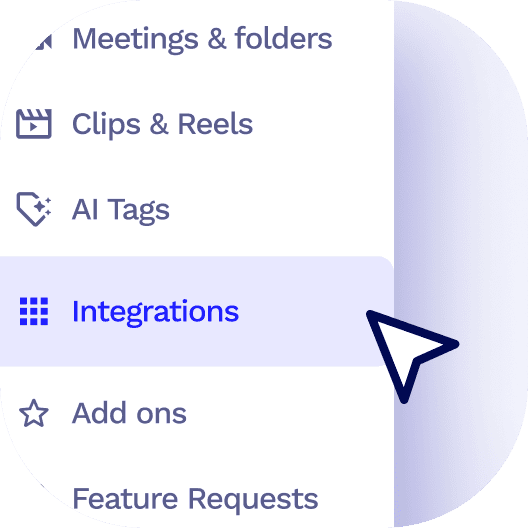
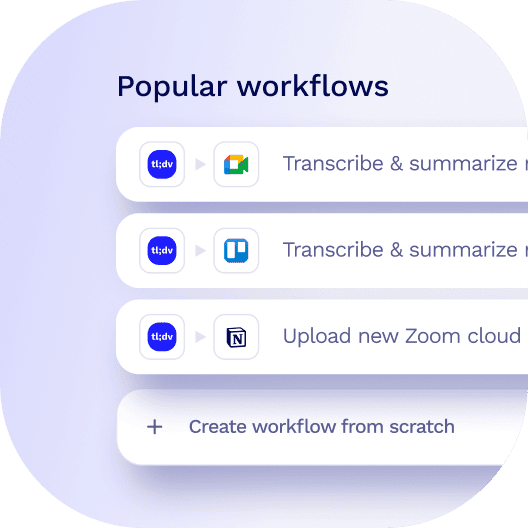
Open the integrations tab in your tl;dv side menu and select HubSpot. You will need admin access to your HubSpot portal to authorise the connection. Once authorised, pick a ready-made template or build your own workflow, and syncing starts from your next recorded meeting.
What gets sent to HubSpot after a meeting?
Your meeting notes, transcript and AI insights are pushed to HubSpot automatically. Workflows can update properties on contacts, deals and companies, or log the meeting as an activity on the record. You choose which of those happens when you set the workflow up.
Do I have to do anything after each meeting?
No. Once the connector is set up, recorded meetings sync without anyone opening HubSpot. Record the call the way you normally would and the summary appears on the record afterwards.
How does tl;dv know which HubSpot record to update?
tl;dv matches the calendar invitee’s email address to a contact in your HubSpot portal. Deal and company records update through that contact’s linked records. If no matching contact exists, tl;dv can create one for you, depending on your configuration.
My meeting notes are not showing up in HubSpot. What should I check?
First check that the meeting had a calendar event with the attendee invited, since the invitee’s email address is what tl;dv matches on. Then confirm that person exists as a contact in HubSpot. The tl;dv help centre covers the remaining causes.
Is it secure and GDPR compliant?
Yes. The connection uses OAuth, so no password is stored. Data is encrypted, GDPR compliant and SOC 2.
How fast do calls appear in HubSpot?
Right after the meeting, once the recording has been transcribed and summarised. Usually a minute or two.
Is the connection one-way or two-way?
Mostly one-way. tl;dv pushes meeting data into HubSpot. There is a separate option to upload HubSpot Contact call recordings back into tl;dv, currently in beta.
 Przejdź do treści