Pular para o conteúdo





TL;DR: What Are the Best User Research Tools?
The best user research tools depend on the job you need doing:
- tl;dv for recording and analyzing interviews,
- Maze for unmoderated usability testing,
- Dovetail for research repositories,
- Typeform for surveys,
- Hotjar for behavioral analytics.
Most teams run two or three of these in combination. Look out for the pricing though. Several tools have moved their real cost (and their best AI features) behind a sales call, while free tiers keep shrinking.
The best user research tools are the platforms that help you recruit participants, run studies, record and transcribe sessions, and turn the mess into insights your team can act on. There’s no single winner because the right tool depends on which part of the research workflow you’re trying to fix. Most teams run a small stack rather than a single do-everything app.
This guide breaks the market down by category, names the strongest option in each, and compares them on some vital metrics: free tier, AI features, integrations, and real pricing. Poor product-market fit is the leading cause of startup failure, and it’s exactly what good research exists to prevent. These tools will help you up your research game.
What Are User Research Tools?
User research tools are software platforms built to support one or more stages of the research process: recruiting participants, running interviews or tests, capturing sessions, analyzing data, and storing insights so they don’t get lost.
Where they differ from general product analytics is in understanding why users behave a certain way, rather than observing what they do and where they clicked. A product analytics tool tells you a checkout page loses 40% of users; a user research tool tells you it’s because the shipping cost shows up too late.
The category splits into a handful of jobs:
- Recruiting — finding and scheduling the right participants
- Interviews and transcription — recording, transcribing, and analyzing conversations
- Usability testing — watching users attempt tasks, moderated or unmoderated
- Surveys — collecting structured feedback at scale
- Analytics and session replay — behavioral data, heatmaps, recordings
- Repositories and synthesis — tagging, searching, and sharing findings
Almost nobody needs all six. The trick is matching tools to the user research methods you actually run. That’s why you should always pick your method before your software.
The Best User Research Tools at a Glance
Here’s how the leading tools stack up across the core angles you need to consider. The pricing column varies the most:
| Ferramenta | Melhor para | Nível gratuito | AI Analysis | Preços do tl;dv |
|---|---|---|---|---|
| tl;dv | Recording & analyzing interviews | Sim | Sim | Free; Pro $18/mo billed annually; Business $29/mo |
| Labirinto | Unmoderated usability & prototype testing | Limitada | Empresa | Free (1 study/mo); paid seat-based from ~$99/mo; AI-moderated features gated to Enterprise |
| Dovetail | Research repository & synthesis | Sim | Sim | Free; paid tier is custom Enterprise (quote-based) |
| Typeform | Pesquisas | Limitada | Complemento | Free (10 responses/mo); Basic $28/mo billed annually |
| Hotjar | Analytics, heatmaps & session replay | Sim | Complemento | Free; paid from ~$39/mo (billed annually); split across modules post-Contentsquare |
| Pricing verified via each vendor's pricing page, August 2026. Several vendors quote paid or enterprise pricing on request — confirm live before budgeting. Source: tldv.io/pricing and vendor sites. | ||||
Several of these tools have recently moved their real pricing (for the tier that contains their best AI features) behind an enterprise sales call, while trimming their free tiers. This can be frustrating, but it’s a sign of the times. These user research tools tend to want big enterprise clients, and if they require a call, they can negotiate.
tl;dv publishes its pricing openly and keeps a premium free plan available without a card required. When you’re just trying to record your next five interviews, that matters more than it should have to.
Read the table as a starting shortlist of the top UX research tools. The right pick still depends on your method, your team size, and your budget.
The Best User Research Tools by Category
Here, I’ll break down each of the main categories for user research tools and provide the best option for each one in 2026.
Best for Recording and Analyzing User Interviews
Verdict: tl;dv is the strongest option for recording, transcribing, and analyzing user interviews.
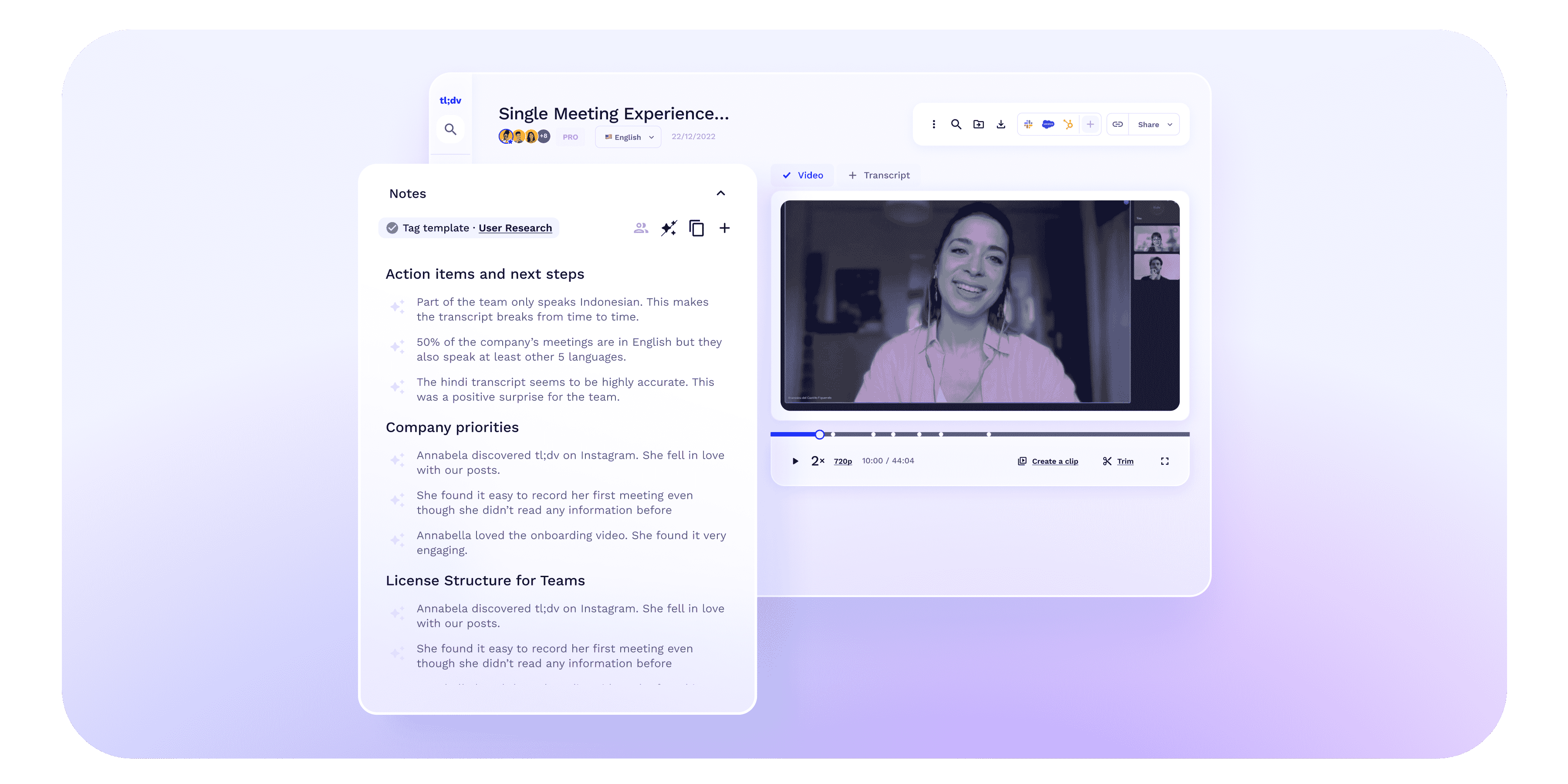
tl;dv is built to turn raw calls into searchable, shareable evidence rather than just spitting out a transcript. It joins your Zoom, Google Meet, or Teams calls (or records any audio through the desktop app), transcribes in 40+ languages, generates AI summaries, and lets you clip the exact 20 seconds where a user described their problem so you can share it with decision makers.
Everything lands in a searchable UX research repository, so insights survive past the meeting. Your recordings are also stored permanently, even on the free plan! In practice, you can run an interview at 10 a.m. and have a tagged, summarized, searchable record by 10:45, with the key clip dropped into Slack before lunch. No manual write-up necessary.
As dedicated product research software, it’s designed for the analysis layer specifically. And the free tier lets you test it out on your next call. Async teams running remote studies can dive into the remote UX research tool setup.
Other names here include Fireflies, Fathom, and Otter; they’re all capable, but none of them match tl;dv’s free tier or its multi-meeting analysis. You can also check more specific comparisons for user interview tools here.
Best for Usability Testing
Verdict: Maze is the go-to for fast, unmoderated usability and prototype testing at scale, with UserTesting the enterprise heavyweight when budget is no object.
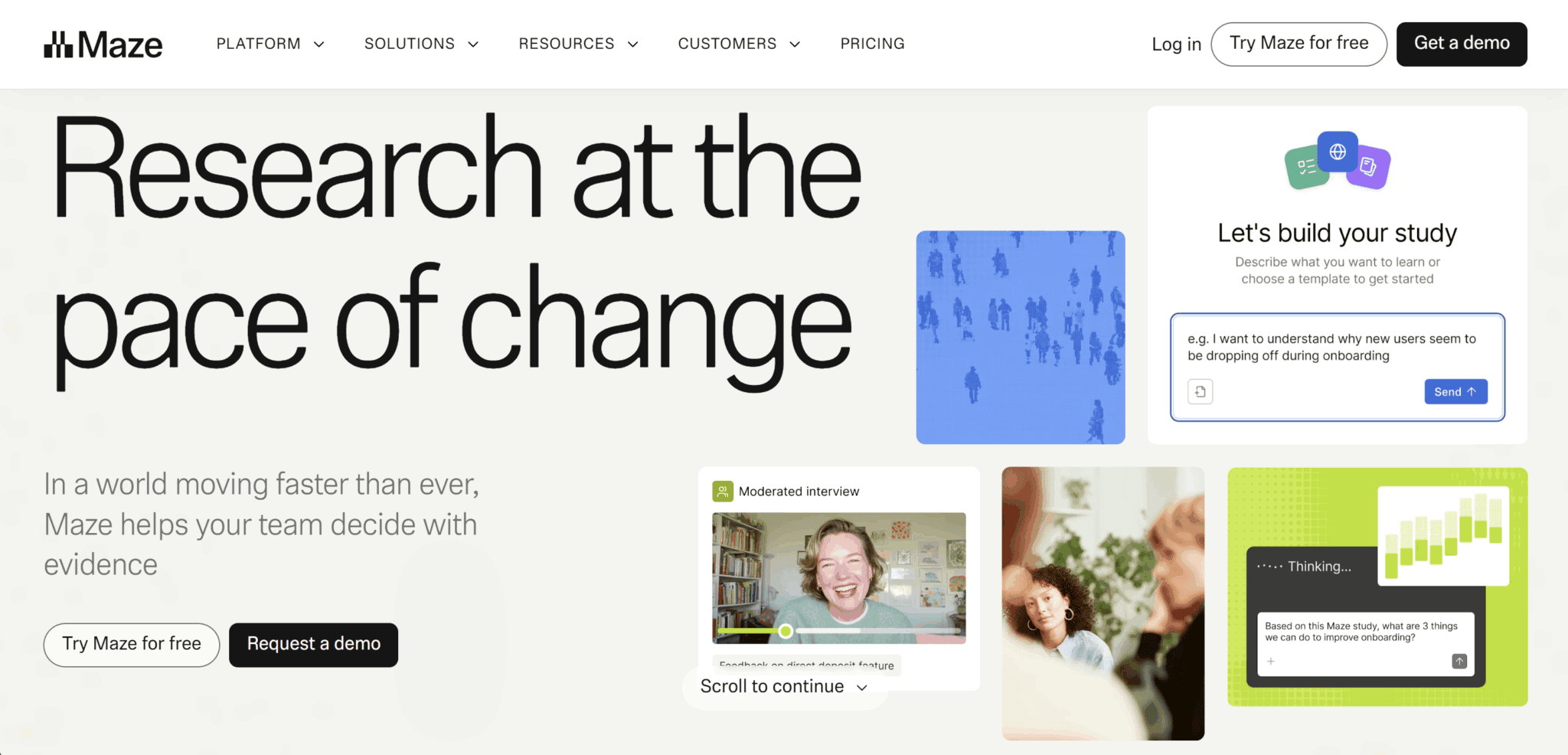
Maze runs task-based tests, first-click tests, and tree tests without a moderator, then auto-aggregates the results. This is perfect for when you need answers fast. The catch, as with a lot of these tools now, is that AI-moderated interviews and the most useful features sit behind an Enterprise quote.
UserTesting brings a large participant panel and polished video, but it’s firmly sales-led and priced for big organizations. For moderated sessions where you want to probe in real time, a recording-and-analysis tool like tl;dv pairs well. You can run the session live and let the AI handle the notes.
Best for Surveys
Verdict: Typeform wins on design and completion rates for research surveys, though its free tier is now capped at 10 responses a month. Real usage will cost you.

Typeform has a conversational, one-question-at-a-time format that measurably lifts completion on longer studies. SurveyMonkey and Google Forms remain the budget-friendly alternatives. In fact, Google Forms is free and unlimited, though it’s a little vanilla by comparison.
Whatever you pick, remember surveys tell you how many users did something, but it doesn’t reveal why. Pair them with interviews to get the story behind the numbers. Look for logic jumps, question randomization, and multilingual support if you’re running anything beyond a quick poll. For collecting structured product feedback specifically, our customer feedback tools guide compares the options.
Best for Participant Recruiting
Verdict: User Interviews and Respondent are the leading platforms for sourcing vetted research participants fast, especially when you need people outside your existing customer base.
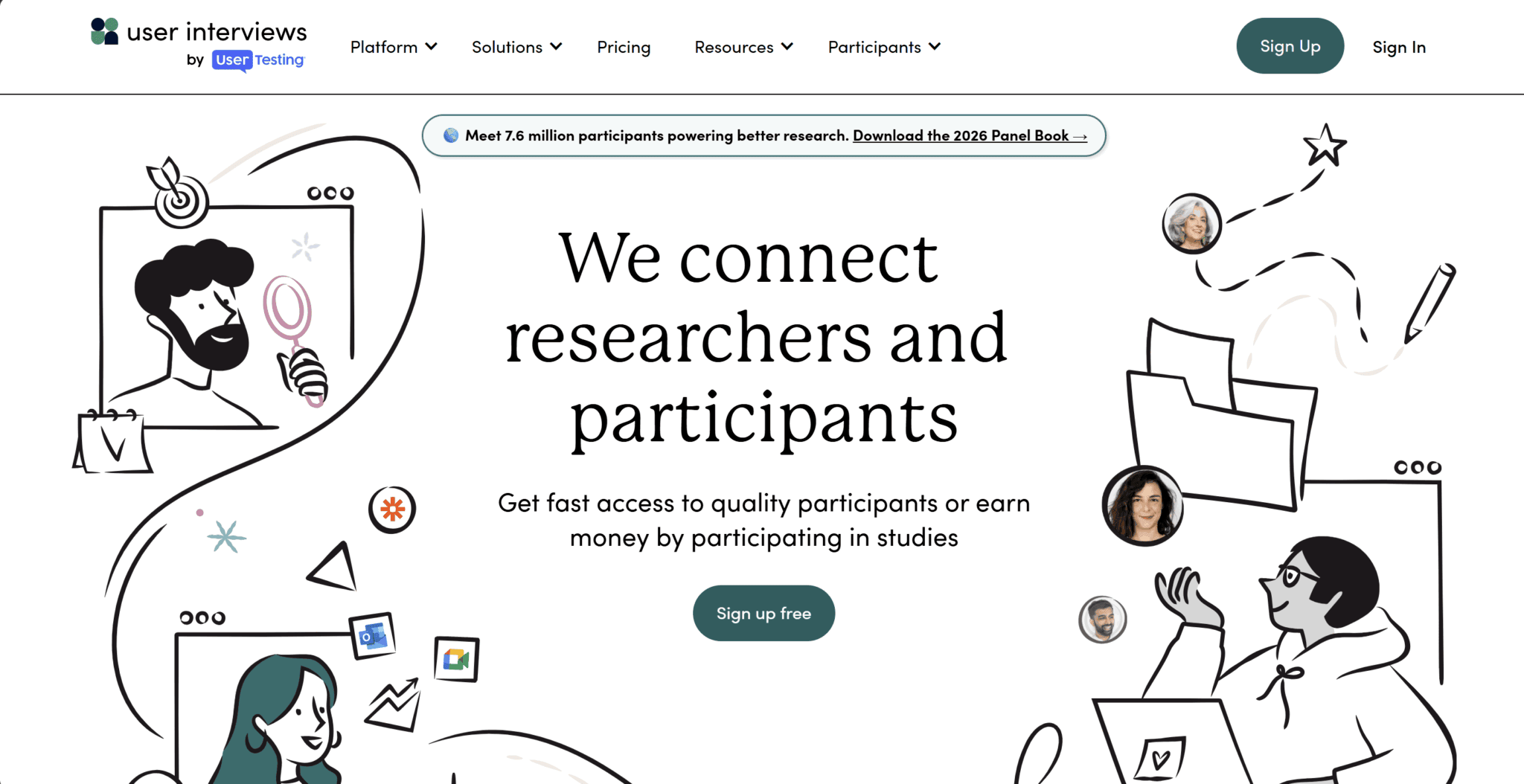
Both offer large panels with screening and scheduling, and they have incentive handling built in. That covers most of the tedious logistics that otherwise eat a research week. Prolific is the academic favorite for quality at lower cost.
If you’re recruiting from your own users instead, that’s cheaper but you’ll want to avoid super fans. They’re more likely to tell you what you want to hear than what you need to hear. Recruiting the wrong people is the fastest way to waste a study, so this isn’t the place to cut corners. Expect to pay per participant on top of any subscription. It’s often $20 to $100 or more per session, depending on how specialized your audience is.
Best for Analytics, Heatmaps, and Session Replay
Verdict: Hotjar (merged with ContentSquare) remains the best-known tool for heatmaps, session recordings, and on-site surveys, with Microsoft Clarity the strongest free alternative.
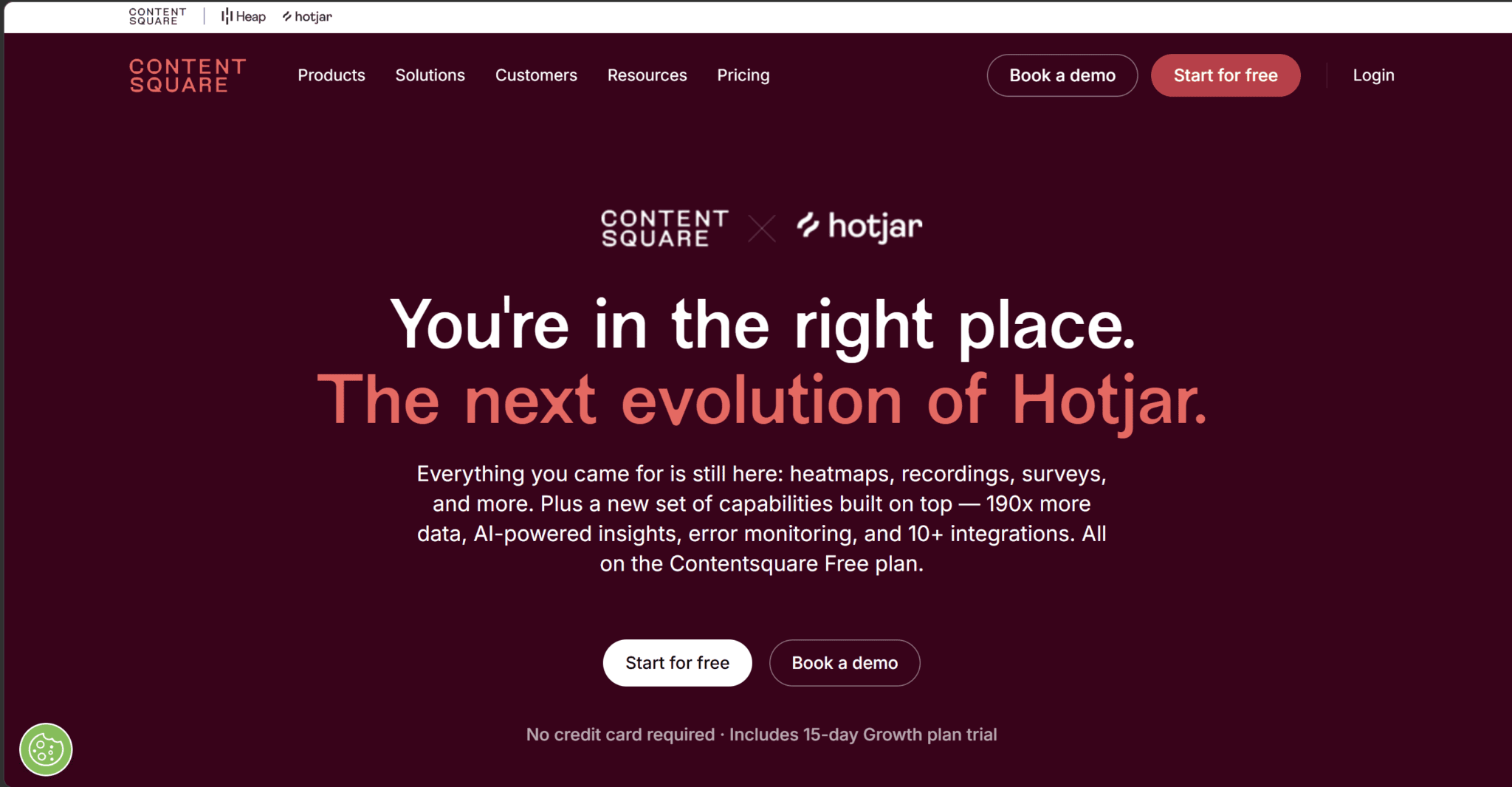
These are behavioral tools — they show you what users do on your site, which pairs with qualitative research explaining why. Note that Hotjar folded into Contentsquare in 2025 and now splits its features across separately-billed modules, so the pricing math has gotten more complicated. Microsoft Clarity, on the other hand, offers unlimited recordings and heatmaps for free if the budget is tight.
Behavioral analytics won’t replace talking to users, but it’s a great way to decide what to ask them about. Watch a dozen session replays before your next round of interviews and you’ll walk in with far sharper questions.
Best for Research Repositories and Synthesis
Verdict: Dovetail is the category leader for storing, tagging, and searching qualitative research, with tl;dv covering the repository job for interview-heavy teams.
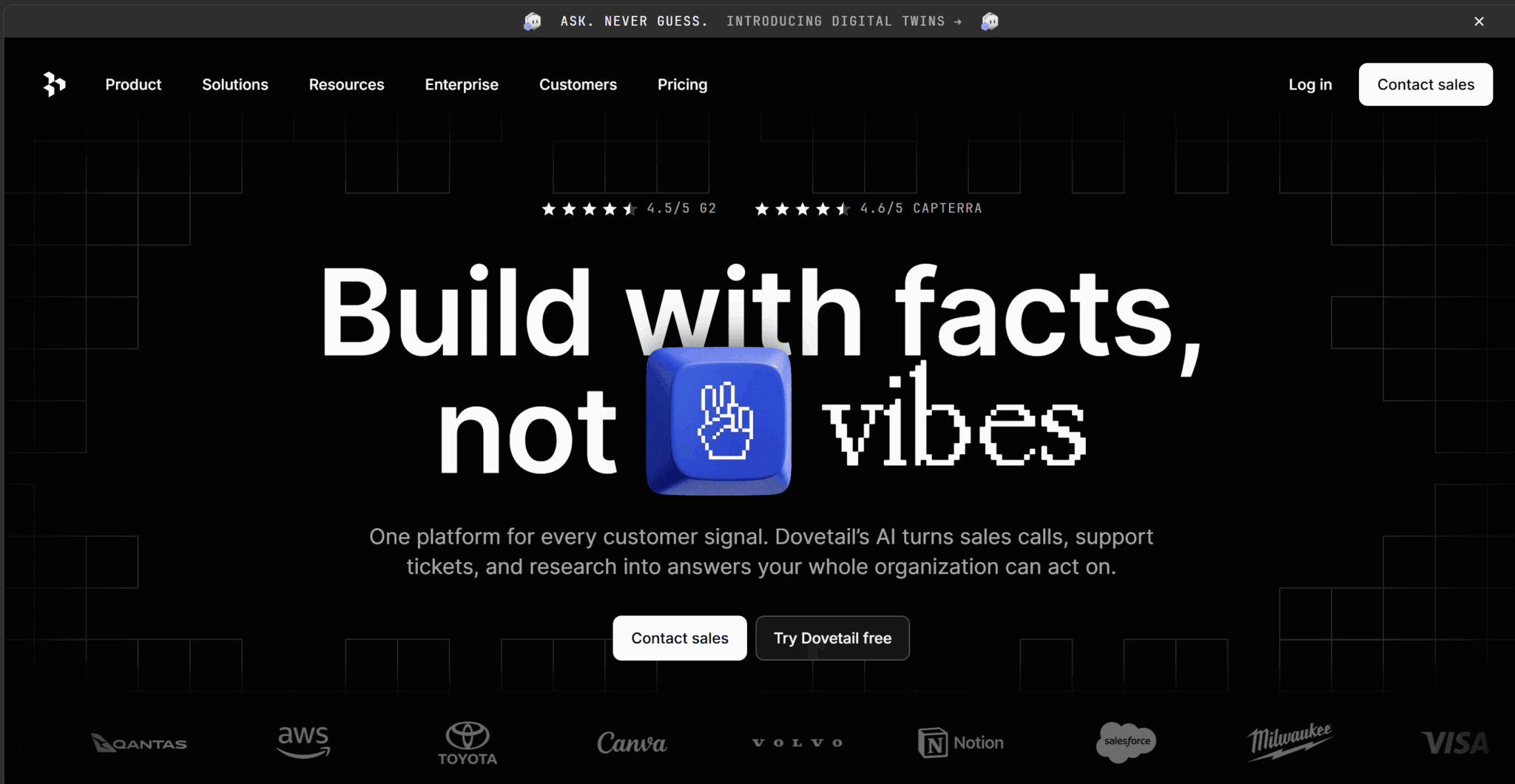
Dovetail’s strength is turning a pile of transcripts into themed, searchable insights with AI-assisted tagging. It’s powerful for large research-ops teams, though its pricing now runs from a free tier straight to a custom Enterprise quote with no middle tier.
If most of your research is recorded calls, tl;dv’s built-in repository may already cover it without a second subscription. For a fuller comparison, see our UX research repository tools roundup. Notably and Condens are also worth a look for dedicated synthesis.
Best Free User Research Tools
Verdict: the best free user research tools in 2026 are tl;dv (interviews and transcription), Google Forms (surveys), Microsoft Clarity (analytics), and Maze’s free plan (light usability testing). Free tiers have been shrinking across the board — Typeform cut its free plan to 10 responses a month, and several tools now reserve AI for paid plans only. That makes a generous free tier worth real consideration.
tl;dv’s free plan includes unlimited recordings and transcription, which is why it works well with many of these other user research tools. You can start simple and only need to upgrade for the more advanced integrations, MCP, or multi-meeting intelligence. Check out our free AI note-taker comparison for a deeper dive into free alternatives.
How to Choose a User Research Tool
The fastest way to choose a user research tool is to match it to the method you’ll run most, then check it clears five practical bars. Start with the job. Are you recruiting, testing, running interviews or surveys, doing analytics, or synthesising? A tool that’s brilliant for one is often useless for another.
Then run the checklist:
- Free tier or trial. Can you actually test it on real work before paying? (Increasingly, the answer is “barely.”)
- AI features. Does it help with transcription and synthesis — and is that AI on a plan you can afford, or gated behind Enterprise?
- Integrations. Does it plug into Figma, Slack, Notion, and your CRM, or create another data silo?
- Privacy and compliance. If you’re recording people, GDPR consent and data handling aren’t optional; look for GDPR and SOC 2 compliance (tl;dv has both).
- Pricing transparency. If the price isn’t on the website, budget for a sales cycle and a bigger number than you hoped.
The gov.uk research team’s advice on choosing methods applies just as well to tools: pick what gives strong evidence for the least time, effort, and cost. A $9,000-a-year platform you use twice is worse than a free tool you use every week. And don’t over-buy for a future you’re not in yet: most teams need one solid interview tool and a free survey option long before they need an enterprise research suite.
How Much Do User Research Tools Cost?
User research tools range from genuinely free to well over $10,000 a year. In 2026, the pricing has gotten harder to pin down, not easier. Entry-level survey and analytics tools start around $30 to $50 a month; interview and repository platforms cluster in the $18 to $99 per-seat range; and enterprise research suites routinely run five figures a year once you add seats, panels, and premium features.
One of the bigger things to keep in mind is that most tools are starting to hide their pricing altogether. Dovetail is the perfect example. It now lists only a free plan and a “contact sales” Enterprise tier. Maze gates its AI behind an Enterprise quote, while Hotjar’s post-merger modules are billed separately.
tl;dv makes your life simple here with published per-seat pricing:
- Grátis
- Pro at $18/mo billed annually
- Business at $29/mo billed annually
- Enterprise is a custom sales call
Do You Need a Dedicated Tool, or Will Docs Do?
For a first study or two, a spreadsheet and a recording tool will usually do. Dedicated user research tools earn their cost once research becomes continuous. If you run research a few times a year, a doc for notes plus a free transcription tool should cover it with room to spare. The moment you’re running studies monthly, drowning in transcripts, or answering the same question twice because nobody could find the last study, a dedicated repository and analysis layer pays for itself.
A real-world stack that doesn’t blow your budget looks something like this: tl;dv for recording and analyzing calls, Google Forms or Typeform for surveys, and a recruiting platform when you need strangers rather than existing users. That’s three tools, one of them free, covering most of what a small team runs.
The general rule of thumb to follow should be to buy the tool when the manual version starts costing you more time than the subscription costs money. Any earlier than that and you’ll be paying for software you’re not making the most of.
Happy Researching!
There’s no single best user research tool, only the best tool for the job in front of you:
- tl;dv for interviews
- Maze for usability tests
- Typeform for surveys
- Dovetail for repositories
- Hotjar for behavioral data
Pick your method first, then pick the tool to match. If most of your research runs on recorded calls, tl;dv handles the recording, transcription, and analysis layer with a free tier you can start on today.
FAQs About User Research Tools
What are the best user research tools?
The best user research tools depend on the job:
- tl;dv for recording and analyzing interviews
- Maze for unmoderated usability testing
- Dovetail for research repositories
- Typeform for surveys
- Hotjar for behavioral analytics
- User Interviews or Respondent for participant recruiting.
Most teams combine two or three across categories.
What are the best free user research tools?
The strongest free user research tools in 2026 are tl;dv (unlimited recordings and transcription), Google Forms (unlimited surveys), and Microsoft Clarity (unlimited heatmaps and session recordings).
Maze and Dovetail also offer free plans, though both are limited enough that active teams outgrow them quickly.
What are the best AI user research tools?
For AI-assisted research, tl;dv leads on interview transcription and cross-meeting analysis, while Dovetail’s Magic AI suite handles tagging and theme detection across a repository.
Be aware that some platforms, including Maze, reserve their strongest AI features for Enterprise plans.
Do user research tools integrate with Figma, Slack, and Notion?
Most established user research tools integrate with Figma, Slack, and Notion, though coverage varies by plan. tl;dv connects to Slack, CRMs, and 5,000-plus other tools via native integrations and Zapier, so research insights flow into the systems your team already uses.
Are user research tools GDPR compliant?
Many are, but you must verify per tool and per plan. Compliance is not universal. Because research involves recording and storing personal data, look for explicit GDPR and SOC 2 compliance before you buy; tl;dv, for example, is both GDPR and SOC 2 compliant, and it’s also compliant with the EU AI Act.
What is the difference between a user research tool and product analytics?
Product analytics (like Amplitude or Mixpanel) measures what users do inside your product: clicks, funnels, retention. User research tools help you understand why they do it, through interviews, tests, and surveys. The two are complementary: analytics surfaces the problem, research explains it.
What is the best user research tool for startups and small teams?
For startups and small teams, the best user research tools are the ones with strong free tiers and low setup overhead: tl;dv for interviews and transcription, Google Forms for surveys, and Microsoft Clarity for analytics. That trio covers qualitative and behavioral research at little to no cost.
Only add paid recruiting or repository tools once research becomes continuous.