Skip to content





In case you were wondering what we got upto in our tl;dv Google Chrome Extension Version 0, here’s all the deets below!
tl;dv version 0.0.11 update
Welcome to our Google Meet Chrome extension 0.0.11 version. Since our last version update, Google Meet made significant updates to its meeting interface. We addressed this in our 0.0.11 version update. In addition to this, we’ve made some big changes. Here’s the run-down.
Changes include:
- Paused Zoom support: we decided to pause our tl;dv support and service on the Zoom platform to focus on our Google Meet offering.
- Immediate onboarding tour: now, the onboarding tour loads immediately for new users, for a seamless user experience.
- Beautifications: we’ve also polished our live-meeting interface with numerous iterations, such as altering the margins, font, colors, and so forth. This is also in response to Google Meets’ changed user interface.
- Minor bug fixes.
Other notes:
- Update version 0.0.11 was live on June 11, 2021.
- tl;dv version 0.0.11 doesn’t require any additional download! Awesome.
- If you have any questions about tl;dv pausing our Zoom services, feel free to send us an email at [email protected].
tl;dv version 0.0.10 update
Welcome to our Google Meet Chrome extension 0.0.10 version. In this version, we’ve focused on nailing the core meeting experience for our awesome Beta testers, with minor changes that should impact in a big way!
Changes include:
- Onboarding tour is now added for new users to orient themselves around the live-meeting interface.
- Time ticker is added to the live-meeting interface: this means that when you’re posting a highlight, you can see the exact time that highlight will be timestamped!
- Beautifications: we’ve also slightly polished our live-meeting interface, with a few color changes, shadows, and other minor UI updates.
Other notes:
- Update version 0.0.10 was live in May 28, 2021.
- tl;dv version 0.0.10 doesn’t require any additional download! Awesome.
tl;dv version 0.0.9 update
We’re really excited to launch our Google Meet Chrome extension 0.0.9 version, as some important changes are included. In this release we’ve focused on enhancing the user experience on Google Meet, so you can focus on what’s important – getting those awesome meeting insights and next steps!
Changes include:
- Compact Live Meeting Interface. We have re-designed our live meeting interface to take up less space, letting the user stay laser-focused on what’s important.
Draggable Live Meeting Interface. Users now have even more control over how and where they use the Live Meeting Interface. - UI polishes. We’ve reduced the number of emojis on our Live Meeting Interface and introduced auto-scrolling for new highlights as they are added.
Other notes:
- Update version 0.0.9 was live May 17, 2021.
- tl;dv version 0.0.9 doesn’t require any additional download! Awesome.
tl;dv version 0.0.8 update
In the Google Meet Chrome extension 0.0.8 version, we’ve focused on some UI and UX refinements to our live meeting interface and Chrome extension onboarding.
Changes include:
- Tooltips added to the Collapse, Close, Expand, Go to Meeting Page buttons for easier navigation.
- Updated Chrome extension onboarding
- The design of the tl;dv Live meeting interface for Google Meet was updated.
Other notes:
- Update version 0.0.8 was live May 6, 2021.
- tl;dv version 0.0.8 doesn’t require any additional download! Awesome.
tl;dv version 0.0.7 update
In the Google Meet Chrome extension 0.0.7 version, we’ve focused on giving our meeting attendees instant meeting gratification!
Changes include:
- The meeting organizer will be able to view the meeting on their tl;dv dashboard whilst the meeting is still being uploaded. This can be done by simply clicking on the video camera icon on the tl;dv live meeting interface (LMI).
- The meeting organizer will be automatically redirected to the meeting’s page on the tl;dv dashboard when their Google Meet tab is closed.
- While one’s meeting is still being uploaded, the meeting organizer can still edit existing highlights and share the meeting! This means you can take action on your meetings sooner and share your insights almost instantly.
Other notes:
- Update version 0.0.7 was live on April 27, 2021.
- tl;dv version 0.0.7 doesn’t require any additional download! Awesome.
- These updates are only applicable for Google Meet meetings.
- These changes will only affect the meeting organizer. All other meeting recipients will receive the meeting recording via their email as per usual.
tl;dv version 0.0.6 update
In our Google Meet Chrome extension version 0.0.6 update, we’ve focused on our community’s need for greater sharing ease.
Changes include:
- Instantly edit the sharing settings during your Google Meet meeting to decide who will receive the meeting recording.
You can now share your meeting recording instantly, during the meeting with people outside of the meeting attendee list.
Other notes:
- Update version 0.0.6 was live in April 2, 2021.
- tl;dv version 0.0.6 doesn’t require any additional download! Awesome.
tl;dv version 0.0.5 update
Our Google Meet Chrome extension version 0.0.5 update was mostly an upgrade of the new live-meeting-interface updated in version 0.0.4.
Changes include:
- Live synchronized highlights in the tl;dv interface.
- Security enhancements.
Other notes:
- Update version 0.0.5 was live in March 23, 2021.
- tl;dv version 0.0.5 doesn’t require any additional download! Awesome.
tl;dv version 0.0.4 update 👉😍😂❓🚀💡
In the Google Meet Chrome extension 0.0.4 update, we’ve revamped our Google Meet experience. Now, setting highlights LIVE during your meetings is made easier with our new version update.
Changes include:
- Adding highlights is now a breeze with our live-meeting interface. Simply write anything into the live-meeting-interface textbox and boom, you just added a highlight!
Add emoji highlights. 👉😍😂❓🚀💡 - You can now add public and private meeting highlights.
Edit and add additional highlights after and during the meeting.
Other notes:
- Update version 0.0.4 was live on March 12, 2021.
- Update version 0.0.4 doesn’t require any additional download! Awesome.
tl;dv version 0.0.3 update
In our Google Meet Chrome extension version 0.0.3 update focused on being able to add the tl;dv meeting recording bot on the fly!
Changes include:
- Enhanced onboarding for new users.
- The ability to add the tl;dv bot live, during the meeting for recording.
Other notes:
- Update version 0.0.3 was live on February 5, 2021.
- tl;dv version 0.0.3 doesn’t require any additional download! Awesome.
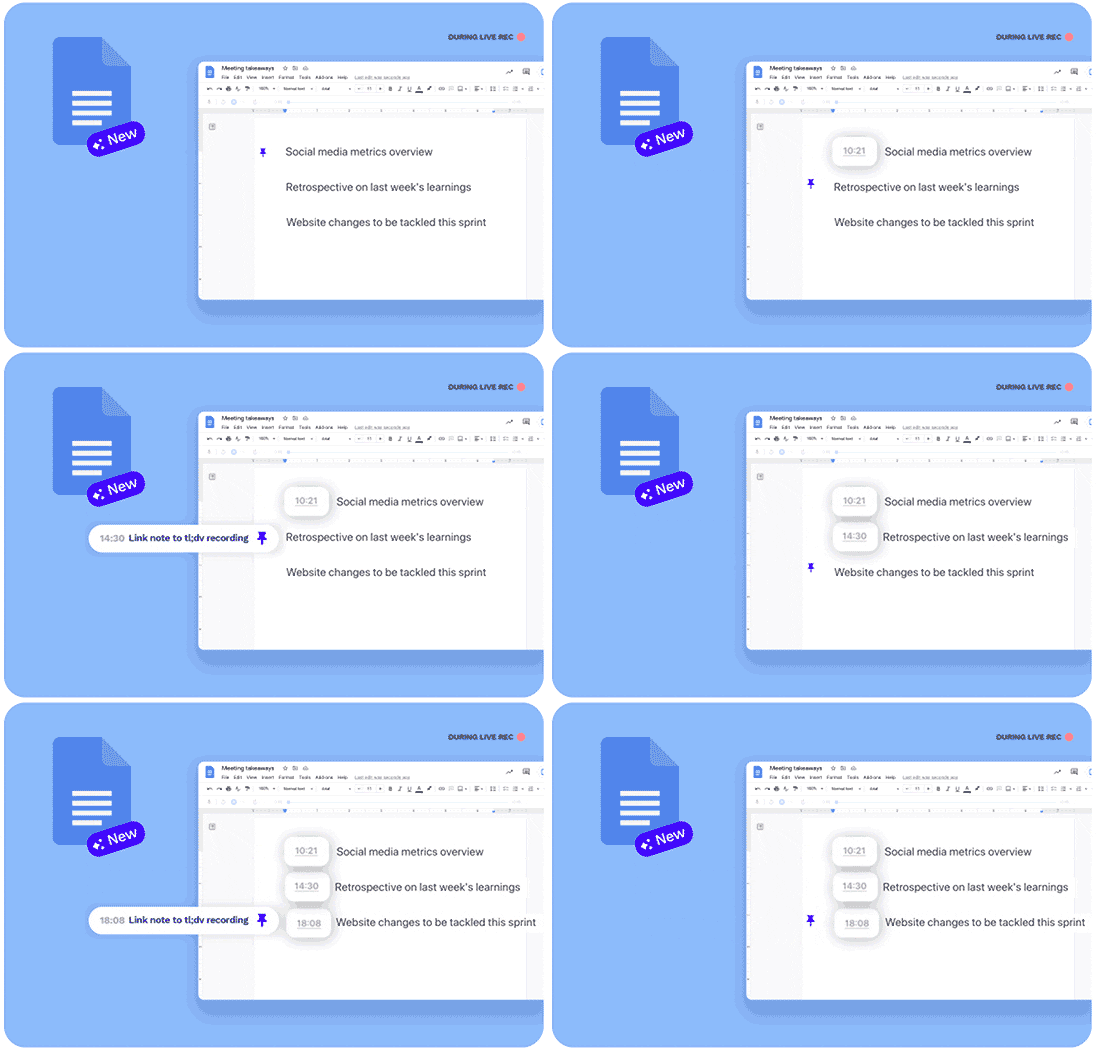
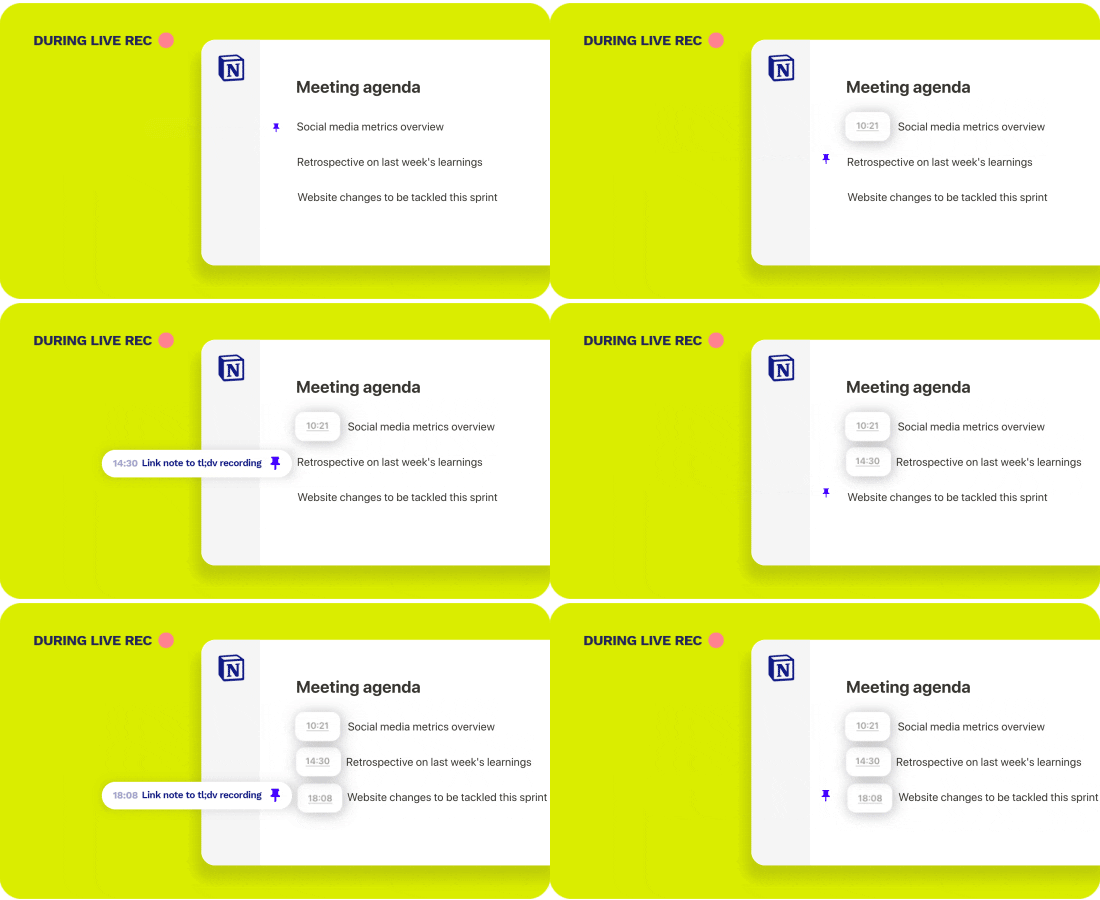
This refers to one of tl;dv’s latest features which we launched in August 2021. As some of our users prefer using other async collaboration apps such as Notion for meeting notetaking, we decided to deepen our integration. Our mission is to save your time spent in and around meetings with contextualized meeting notes, that are linked to the exact moment in the recording and transcript. Test it now! Any questions about this? Reach out to [email protected]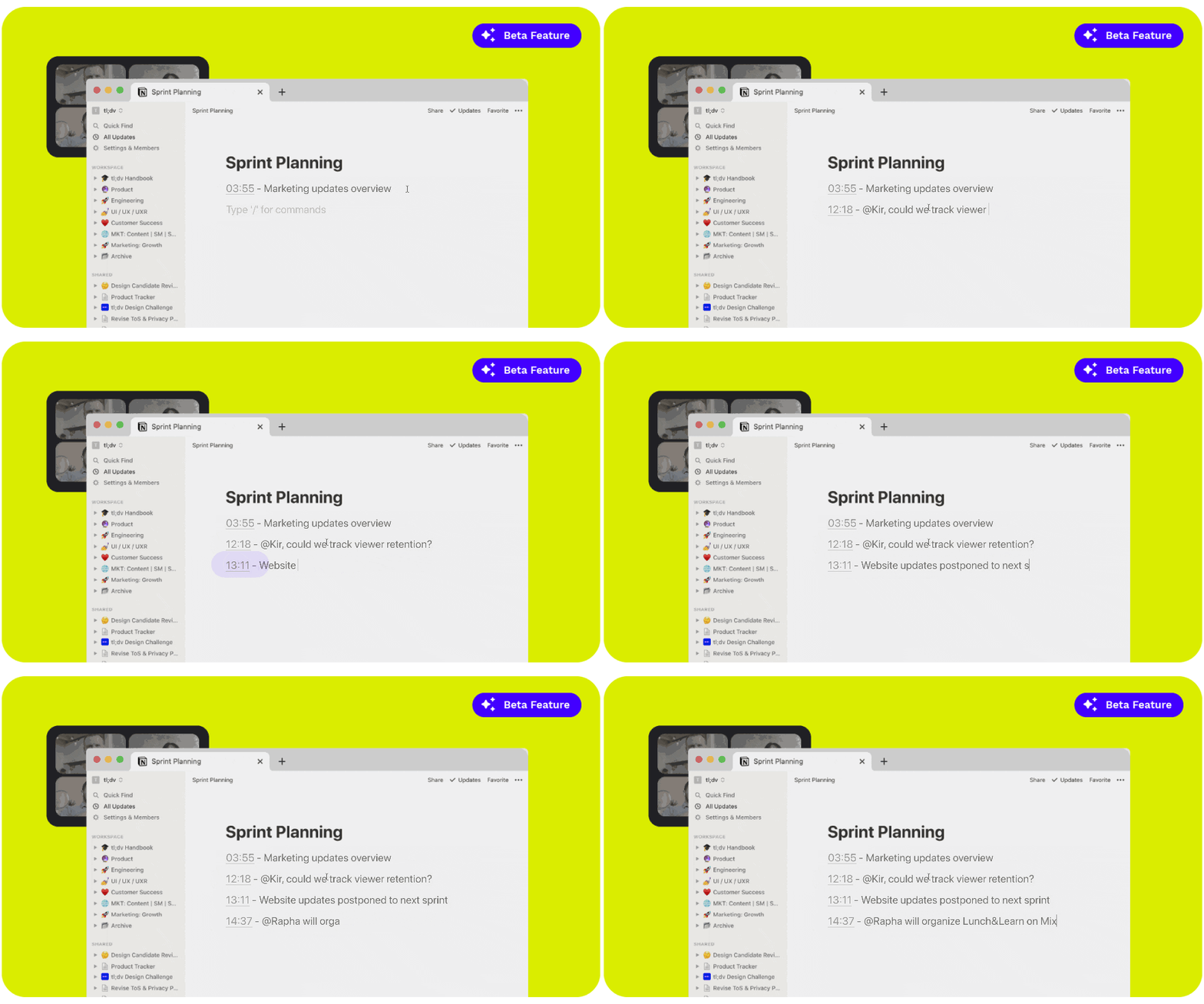
All of the points on the left-hand side of this tl;dv are called “timestamped highlights”. This is our awesome feature of tl;dv that instantly transports you to any moment in any tl;dv. When you share any tl;dv, you can also instantly share these timestamped highlights too! This means when you share your meeting with colleagues or paste it into your favorite CRM or documentation tool, anybody can instantly jump right to the most crucial part of any meeting. 
LMI refers to our Live Meeting Interface. Our LMI can be viewed for those who have installed our Google Chrome Extension. 
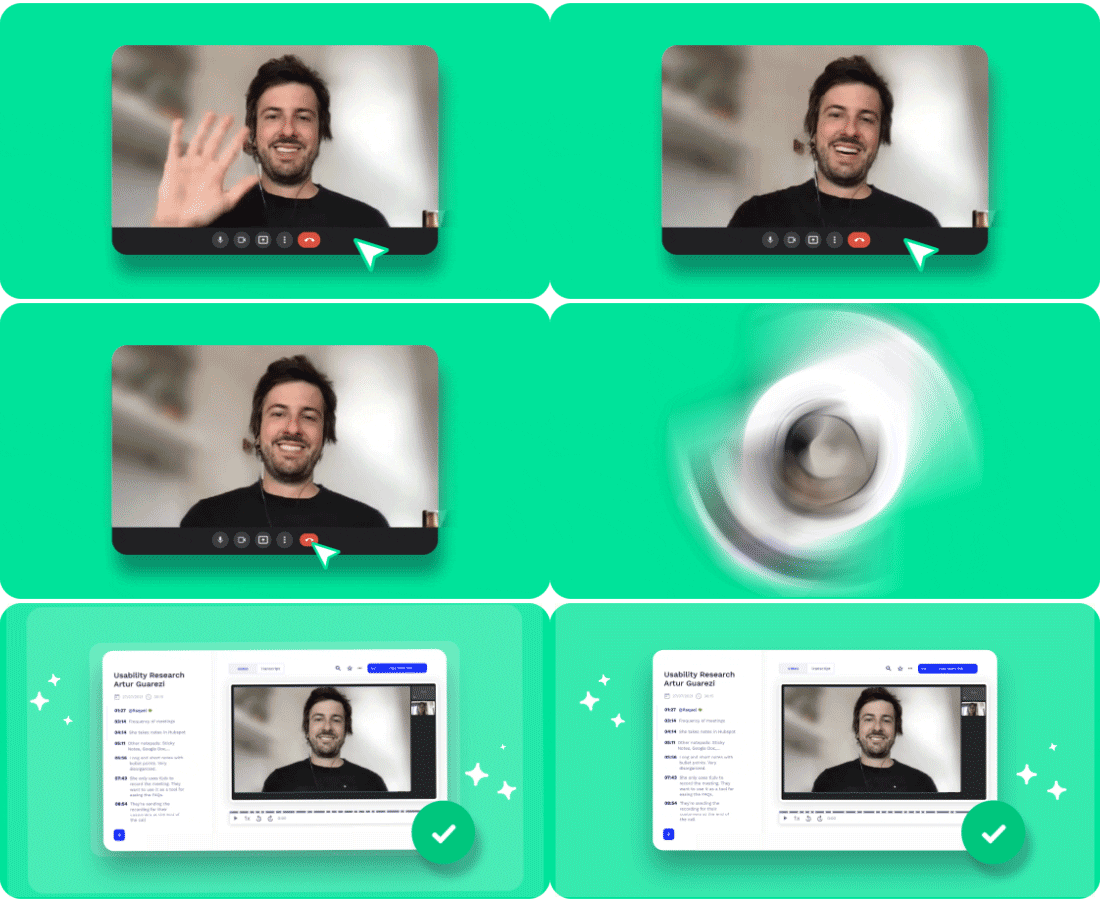
Are you the “tl;dv meeting recorder?”. Yes, we record meetings. But we do much more than duplicate your meetings in video format. We enable you to catch up on meetings in minutes. We empower your team to say “no” to meetings and “yes” to more Deep Work.
But most importantly, we help you and your team get the most out of meetings!
Is tl;dv a “Google Meet recorder extension?”
tl;dv enables you to catch up on your meetings in minutes. We layer between the places where you’re already meeting and collaborating, and yes, one of those places is Google Meet!
If you’d like to download our “Google Meet recorder extension” or as we call it, our tl;dv Chrome Extension, you can do so here!