


 3M users
“The forefront of AI-driven meeting intelligence”
The AI notetaker that captures every conversation and turns it into the work that should follow.
 SOC 2GDPRNo AI trainingAI Act compliant
Captures any meeting

5000+ integrations
 Alex Morgan
 Dana Reed
 Jordan Lee









 Jean Baptiste
 Regina Adams
The AI meeting assistant trusted by 3 million+ people, including teams at
As featured in


Capture
One notetaker for every meeting.
Online, hybrid or in person.
Bot or no bot, call or conference room: every meeting gets the same accuracy, consent options and data protection.
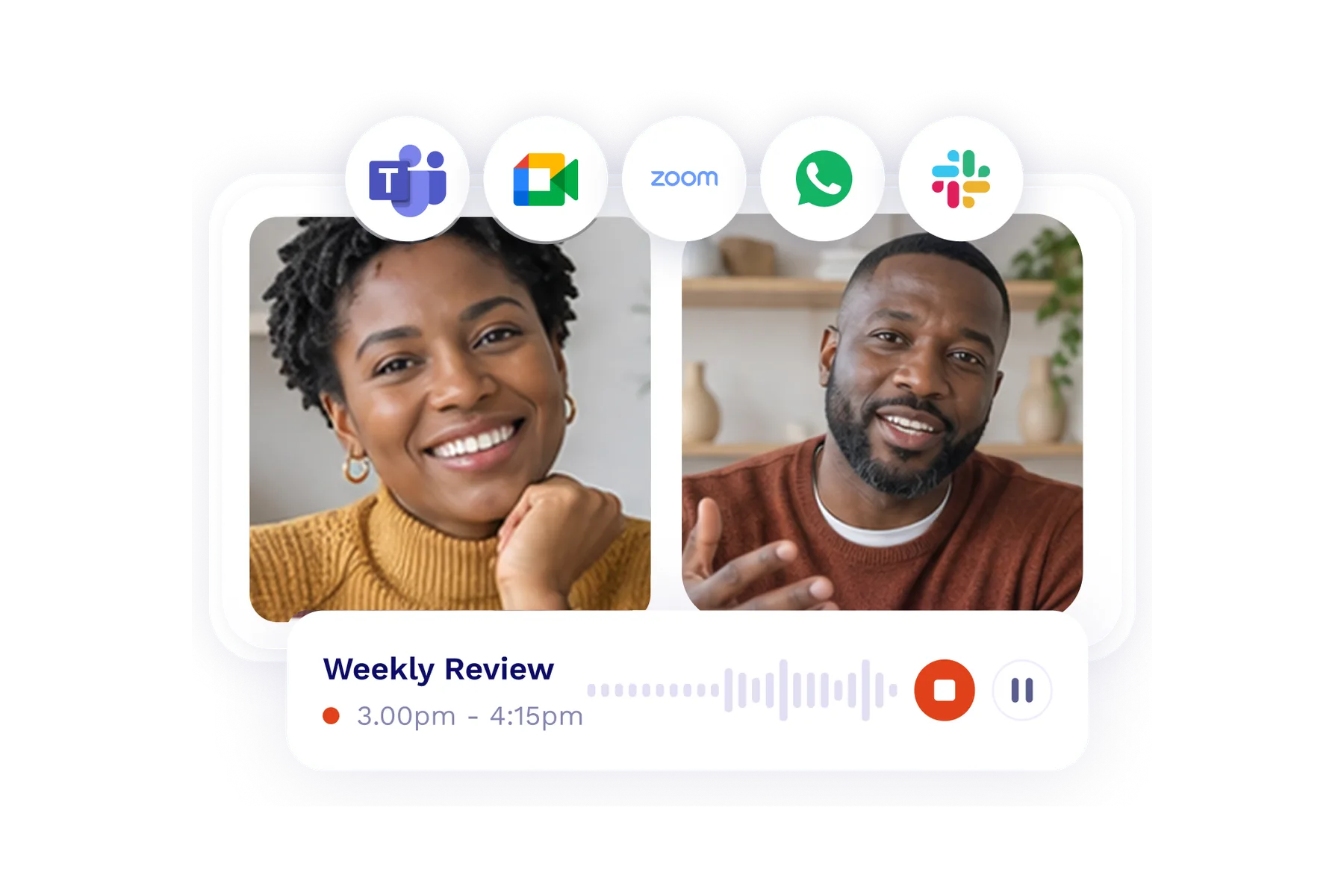
Joins your calls
Pick which meetings get recorded and the notetaker takes care of the rest, wherever the call happens.
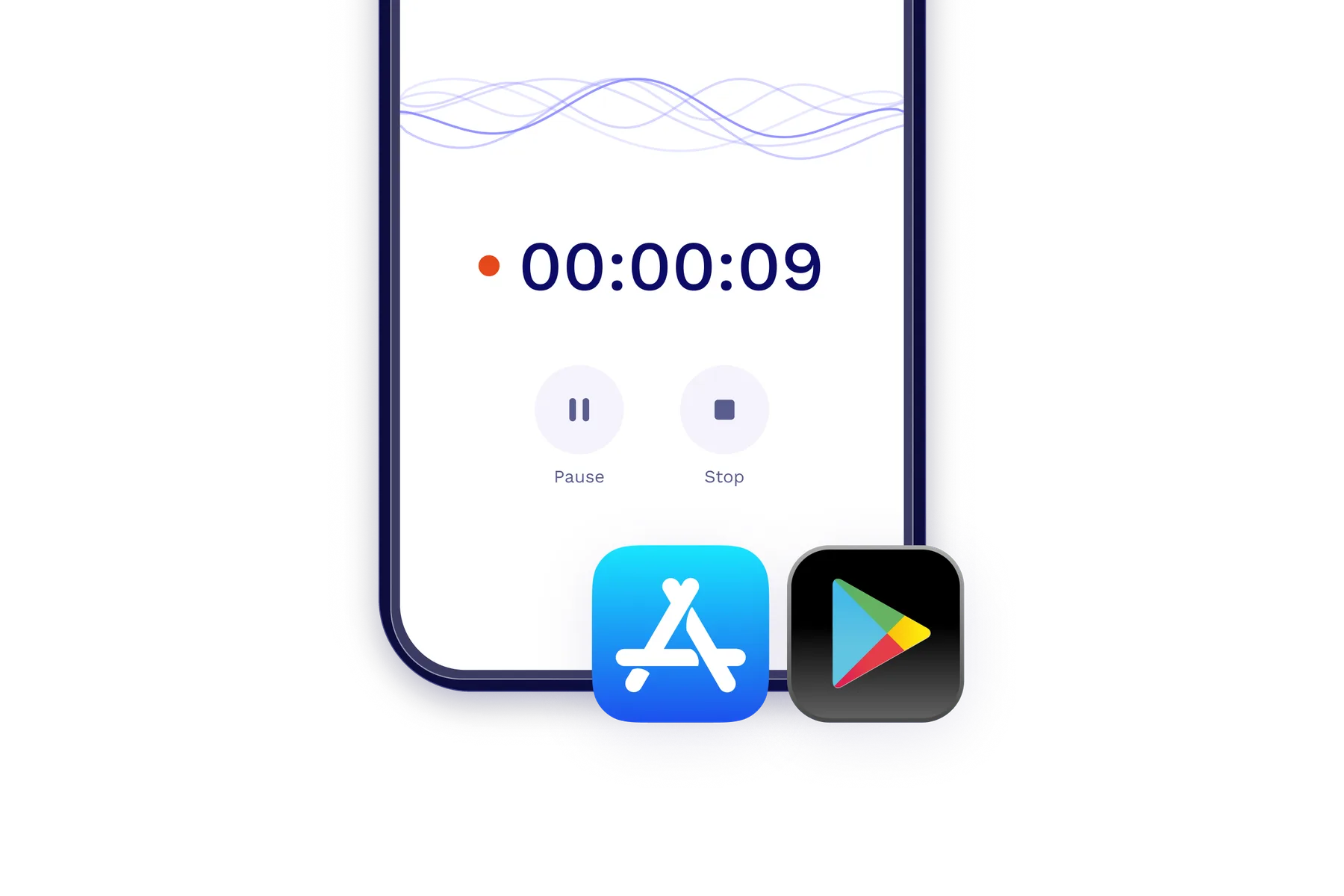
Mobile app
Not every meeting has a link. Record lunches, workshops and field visits right from your phone.
Desktop app
Record any call on your computer without a bot. tl;dv spots meetings and offers to record.
Summarize
Summaries in your format.
Transcripts with the highest accuracy.
Get a full transcript and a ready-to-use summary the moment the call ends, in 100+ languages.
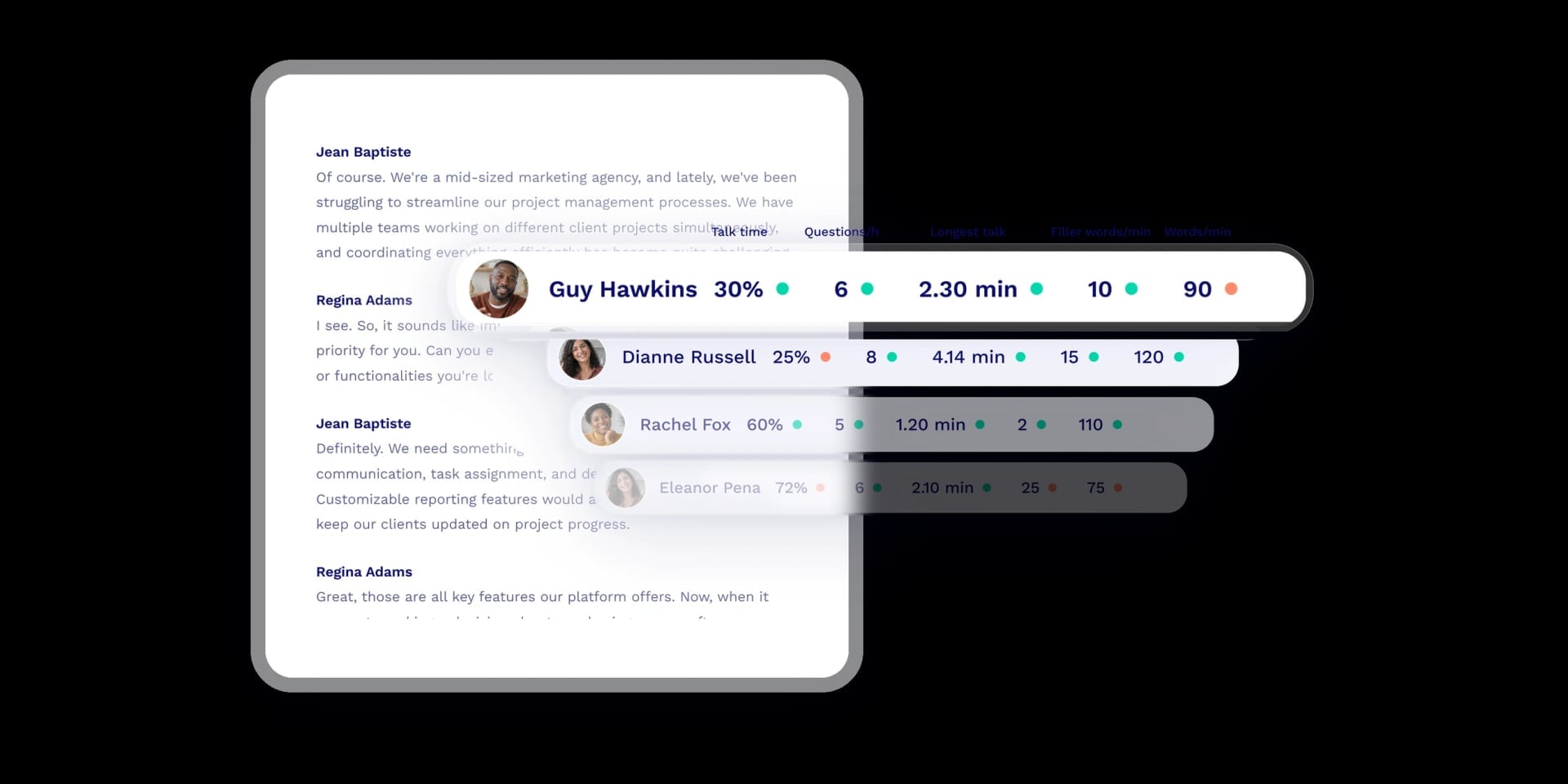
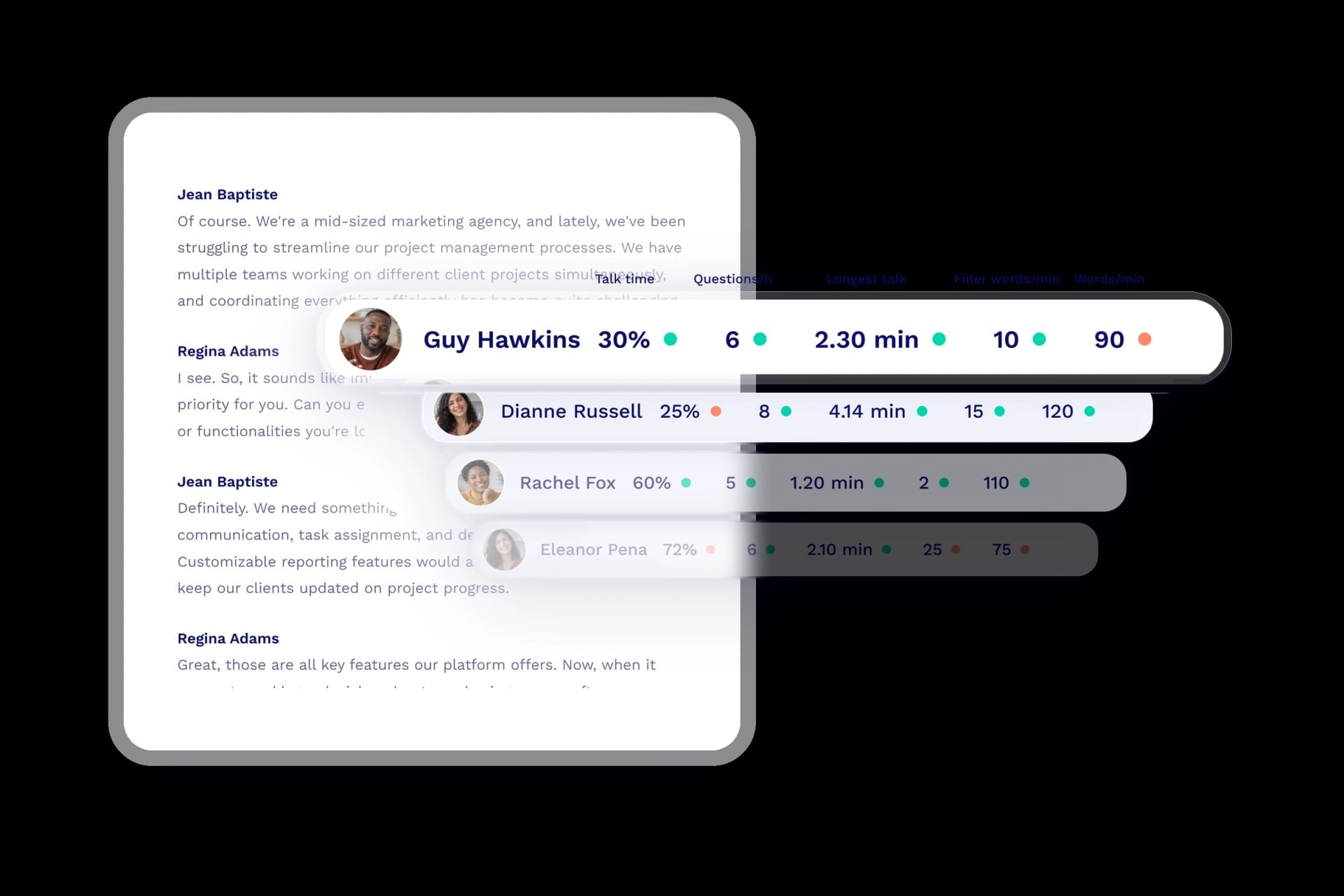
Every word, every speaker
Know who said what, and when, in every language spoken. Each line is labeled with the speaker and a timestamp.
99% accuracy
Highest in the market100+ languages
Auto-detected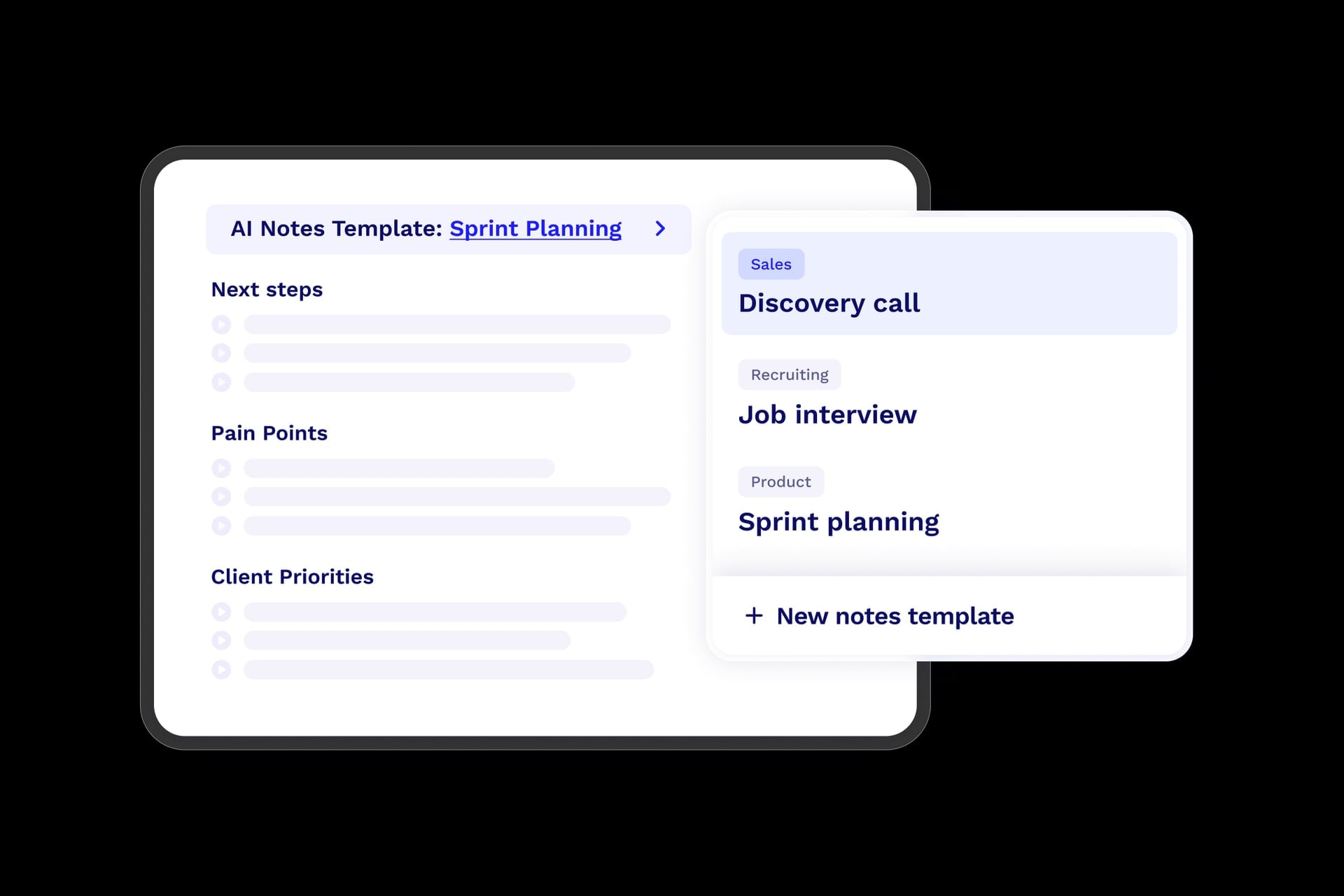
A template for every kind of meeting
Sales calls, interviews or sprint planning: pick the template and tl;dv writes the notes under the headings that meeting needs.
Try a template:
Integrations
Your CRM updates itself.
So does everything else.
Every call turns into the work that should follow: updated deals, drafted follow-ups and recaps in the tools your team already uses.
 Jonas
 Maria K.
Update every HubSpot field automatically
Custom fields, dropdowns and dates included, filled from what was actually said.
Post recaps to Slack
The summary and action items reach the right channel the moment the call ends.
Keep Salesforce current, hands-free
Call notes and custom fields sync to the opportunity, mapped the way your team works.
Auto-save customer quotes in Notion
Build a living knowledge base of decisions and insights from real conversations.
Log every call in Pipedrive
Summaries and action items attach to the deal, so your pipeline tells the full story.
Turn action items into Jira tasks
What was agreed becomes a tracked task, with an owner and a link to the moment.
Draft the follow-up email
A personalized recap is ready to send before you've closed the call.
Connect 6,000+ more apps
If your tool isn't listed, you can still send it every meeting.
Want full control? Build on the tl;dv API.
Pull meetings, transcripts and notes into your own systems, and manage your tl;dv data and users programmatically.
Dashboards
Know what’s working with AI dashboards.
Built from every single call.
Ask for a scorecard, an objection tracker or anything in between. Your dashboards keep updating as new calls come in, and every number links to the moment behind it.
Sales scorecard
“Objection handling is the team's weakest stage, averaging 5.2/10.”
Voice of customer
“‘Salesforce integration’ came up in 23 calls this quarter, and growing.”
Coaching
“Discovery scores are up 1.2 points since the team started using the new playbook.”
Track whatever matters to your team.
Describe it in your own words, pick the meetings, and tl;dv builds the dashboard.
Ask your meetings
Ask anything about your meetings. From your own AI, or right inside tl;dv.
Connect tl;dv to the AI you already work in, or use tl;dv's built-in Ask AI. Same meetings, same permissions, two ways in.

MCP
Plug every meeting into the AI you already use with MCP
- Claude
- ChatGPT
-
 Gemini
-
 Copilot
-
 Grok
-
 Cursor
-
 Devin
-
 Muse
- Your AI
- Search every meeting your team shares with you, not just your own
- Your AI only sees what you can see in tl;dv, and admins decide who can connect it
- Find meetings by folder, person or date, then pull transcripts and notes

Ask tl;dv AI
Or ask tl;dv directly, no setup needed
tl;dv's own AI reads hundreds of meetings at once and answers in your customers' words, with links to the exact moments behind it.
Try asking
- “What has Acme told us about their rollout plans?”
- “Brief me for tomorrow's renewal call with Northwind.”
- “What do churned customers say they were missing?”
Security & compliance
Enterprise-grade security.
Private by design.
Where your data lives
- Hosted in Europe
Meetings, transcripts and notes are stored and processed on servers inside the European Union.
- Full data sovereignty
Your meeting data stays under EU data protection law, owned by you and handled on your terms.
- Made in Germany
Built and run by a team based in Germany, with privacy designed into the product from day one.
What happens to your data
- No training on your data
Your meetings are never used to train AI models, not by us and not by the model providers.
- Configurable retention
Choose how long recordings, transcripts and notes are kept before they are deleted for good.
- Consent built in
Ask every participant for consent on screen before recording, in a message written your way.
- Right to delete
Delete a single meeting or your whole workspace at any time, and the data is gone for good.
- Encryption everywhere
Recordings, transcripts and notes are encrypted in transit and at rest, across the platform.
Who controls it
- SSO / SAML 2.0
Sign in through your company's identity provider with SAML 2.0, with no new passwords to keep.
- SCIM provisioning
Add and remove users automatically from your directory, so access always matches your team.
- Admin controls & RBAC
Decide by role who can view, share and export meetings, and keep sensitive calls restricted.
- Audit logs
See who accessed, shared or changed what, and when, with a full record for every workspace.
- Verified domains
Let people with your company's email domain join the workspace, and keep everyone else out.
- Central retention policies
Set retention rules once for the whole organization instead of leaving them to each user.
More than 3 million users trust the AI notetaker that doesn't stop at notes.




Frequently asked questions
What is tl;dv?
How is an AI meeting assistant different from an AI notetaker?
Which meeting platforms does the tl;dv notetaker work with?
Is tl;dv free?
Do participants have to consent to being recorded?
Is my meeting data used to train AI?
How does tl;dv work with ChatGPT, Claude and other LLMs?
Which CRMs and tools does tl;dv integrate with?
How many languages does tl;dv support?
Your next meeting should be your last manual one.
tl;dv is the AI notetaker that doesn't stop at notes. Get summaries, insights and actions from every conversation, automatically.