Skip to content





Claap, despite easily being mistaken for a venereal disease, is actually a very serious AI meeting assistant. So serious, in fact, that in November 2025, they were purchased by Lemlist for $15 million.
This big money deal has brought a lot of attention to Claap. But is it really worth the hype? I made an account and gave Claap a whirl to find out for myself. I also scoured the internet to find real everyday users’ opinions on Claap, and I’ve gathered them all here so you can find everything you need in one place.
Full disclosure: I’m a freelance writer for tl;dv, one of Claap’s German-based competitors. This inevitably comes with some bias. However, I’m always on the lookout for high-quality AI notetakers (I’ve tested dozens in 2025 alone!) and I strive to review them in good faith. I’m asking myself: would I genuinely use this tool? As I look ahead to the advancements in technology, I can’t help but think about the top free ai note takers for 2026 that might emerge. It’s exciting to consider how these tools could further enhance productivity and streamline the notetaking process for students and professionals alike. With ongoing improvements in AI capabilities, the possibilities for creating effective and intuitive notetaking solutions seem endless.
Keep reading if you want my answer for Claap. Alternatively, jump straight to our Claap pricing calculator if you want to work out how much it’s going to cost you before you look at anything else.
TL;DR: Is Claap Worth Your Time and Money?
Claap looks polished on the surface: fast onboarding, a tidy dashboard, and the credibility boost of being acquired by Lemlist for $15 million. But once you actually use it, the cracks show. The free plan is extremely limited, core AI features sit behind a paywall, and the summaries themselves feel shallow and sometimes inaccurate. My own test call produced notes that fixated on one participant while ignoring two others entirely, which doesn’t inspire confidence for real-world use.
Pricing is also on the higher end compared to competitors offering stronger free tiers and more generous AI access. Claap does have its strengths: bot-free recording, clean UI, and a suite of sales-focused features on higher plans. However, the overall value doesn’t quite match the hype. Unless you’re already deep in the Lemlist stack or have very specific needs, there are better options for both accuracy and affordability.
Best for: Teams already using Lemlist, companies wanting a mix of bot and bot-free recording, and sales orgs that value CRM auto-completion and deal insights.
Avoid if: You need reliable AI summaries, want to test premium features before paying, or rely on a strong free plan to evaluate a tool properly.
Verdict: A sleek but inconsistent meeting assistant. It’s interesting on paper, underwhelming in practice, and outclassed by competitors that offer more accuracy and transparency at a better price.
Read on to get my authentic experience with the tool, or jump straight to the pricing calculator to see how much it’ll cost your team.
Claap Review: My Honest Thoughts After Testing the Free Plan
I thought Claap was going to be good after hearing the news that it had been bought by Lemlist. I immediately made an account and invited it to a few coffee chats, just to see how it performed. While there was no friction during onboarding or when joining the calls, the post-call summary and notes left a lot to be desired. As I continued to explore other tools, I came across clari copilot features and insights that promised to enhance productivity and streamline workflows. The ability to automatically generate summaries and actionable items from meetings seemed like a game changer. I decided to give it a try, hoping for a more satisfying experience compared to what I had with Claap.
Let’s go through my experience step by step.
How Was Claap’s Onboarding?
It took all of five minutes to get set up. Overall, I found Claap to have an intuitive onboarding process. You don’t need to reach out to any sales teams. You can create an account, answer a few questions, and start recording your first meeting within moments.
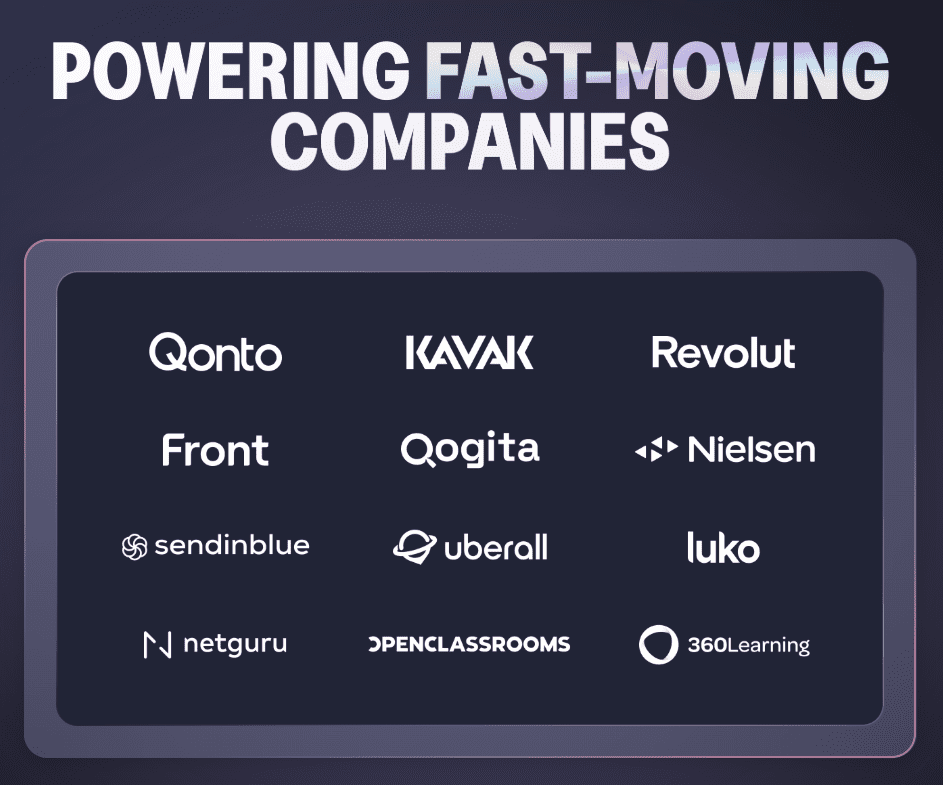
When you start onboarding with Claap, they show you their big name clients. For instance, Claap is the AI meeting assistant of choice for Revolut. While this social proof is good for building up hype, it only ended up contributing to my disappointment.
One of the first things you have to answer is how many people are in your workspace. In other words, how many potential customers can you bring to Claap? While I signed up with my tl;dv email, I didn’t want to have my colleagues receiving spammy invites so I kept it as just me.

Next comes the prompt to download the Chrome Extension. If you do, you’ll unlock a few extra features like Loom-style screen recording, which makes it super easy to share clips or feedback.
It also unlocks bot-free recording. While this is a massive bonus to some teams who want smooth recording without upsetting the apple cart with bots in the meeting, it’s also a potentially muddy area when it comes to the law, and your company’s privacy.

There are plenty of Claap alternatives that offer bot-free recording (Think: Granola, Tactiq, Jamie, or Cluely), but there aren’t many that I can think of that offer both bot-free and bot.
The usual argument for bot-free recording is that it’s invisible. Precisely the same reason why it might end up getting you in trouble. When you allow your team to record meetings using secret, silent, invisible recorders, you are consenting to your company’s potentially sensitive information to be stored in a wide variety of locations that you have no knowledge or power over.
You’d need stringent rules in place for recording only what’s necessary, and even then, because of the very nature of bot-free recordings, you wouldn’t know if somebody was recording or not anyway. Essentially, there’s no way to enforce your privacy. If you deal with sensitive customer information and need to keep certain details private, it’s always better to err on the side of caution.
That means avoid shifting your entire workforce to invisible recorders because the shadow AI risks outweigh the benefits. In fact, the only benefit of invisible recorders is that the other participants aren’t aware they’re being recorded. This, on its own, is straight up illegal in many places. The recorder should always get consent to record in meetings, even if the recorder itself isn’t visible. That being the case, you might as well have a bot.

Once you connect your calendar and grant Claap the suggested permissions, you’re good to go. You’ll be put through to your Claap dashboard where you can see your recordings, calendar for upcoming meetings, and more.
How Intuitive Is Claap’s Dashboard?
Claap’s dashboard is fairly easy to navigate. I wouldn’t say I ever got lost, though there are a lot of seemingly unnecessary options. It could definitely be condensed without losing anything important. Just take a look at the menu.

As I said, it’s fairly straightforward, but a few options are a little vague or could be combined into one. Either way, it’s simple enough to understand where to go. As I was on the free plan, I encountered upsells trying out some of the options, Claap AI for instance.

While I understand the business logic of locking key features behind a paywall, it’s notable that some of Claap’s competitors provide more value in their free plans. tl;dv, for example, allows limited credits for its “Ask tl;dv” feature, which as far as I can tell is the equivalent to Claap AI, a chatbot where you can ask specific questions about your meetings.
Not being able to try the features in the free version is a big drawback in my opinion. Without trying them, how will I know if they’re worth paying for? It’s like being asked to buy clothes that you’re not allowed to try on first. What if they don’t fit? Of course, I could book a demo and bury myself in sales calls for the next few weeks. However, I’d rather save myself the hassle and use a tool that lets me try before I buy.
And don’t get me wrong, I’m not asking for free, unlimited features. But a sample would give me an idea of how useful this feature would be. I don’t think it’s too much to ask.
So, How Good Are Claap’s Notes and Summaries?
Not ideal. I wasn’t particularly impressed with my first test call. It was a coffee chat where we didn’t discuss anything work-related so I wasn’t expecting groundbreaking notes. We didn’t have any action items or next steps, for example. This is normal and fair. To improve future interactions, we should explore user feedback methods for better insights. Understanding participant experiences can help us refine our approach and ensure more productive meetings. By gathering input on what works and what doesn’t, we can create a more effective dialogue moving forward.
However, what isn’t normal is that Claap focused the entire summary on a single participant when there were three of us present in the call. From Claap’s summary, you’d assume Carlo was the only one in the call, just monologuing to himself. Believe it or not, the other participants (myself included) had interesting things to say too.

For me, even though this meeting was an informal catch up, the notes are not remotely sufficient. It fundamentally lacks depth. This is quite possibly because of the informal nature of the call. Whatever it was, it wasn’t the best experience.
Here’s what it had down for the key takeaways.

So it did know there were other participants. It just decided not to summarize anything we said in the small talk section in favor of Carlo.
After the call ended and I received these pitiful notes, I wanted to ask Claap’s AI for information about the call, but as that’s a paid feature, I got the paywall message again. So, all in all: useless.
Is Claap’s Screen Recording Feature as Good as Loom’s?
Short answer: no.
Long answer: read my experience below.
At first, I didn’t bother installing the Chrome extension. I didn’t want bot-free recording (which was all that was pitched during onboarding). However, later I realized that Claap’s extension is also essential for screen recording. This was a feature I did want to try so I quickly installed it from the Chrome store and got it set up.

When you open up the extension, it takes you to a funky canvas page where you get the option to choose your screen recording settings:
- Full screen
- Window
- Current tab
- Camera only
You can also select your camera and microphone (or turn them off completely), as well as any special effects you want. There’s also the option to “Add to channel” which shares it with your team. At the bottom, you can adjust the background of the canvas, almost as if it were a PowerPoint-style presentation.
When you’re done configuring, simply click “Record video” and you’ll be taken to another window to confirm what you’ll be recording, then a three second countdown and it starts. The bottom left has the options to pause and stop recording, as well as showing you how long the recording has been going on for. In theory, it works much the same way as Loom.
What’s the Catch?
One thing I found super annoying while playing with this feature is that when you open the Chrome extension, it opens a new tab like in the screenshot above. However, if you leave that tab (without closing it) and then come back to it later, even just a second later, the options to record are gone and you have to refresh the page to get them back.
It’s only a small problem as most of the time, people will select the options and start recording straight away. Still, it happened to me several times as I was flicking between tabs and it’s a little frustrating to have to refresh the page every single time.
The same issue occurs if you finish one recording and want to start another. Let’s say you make a mistake and want to start over. Tough. You end the recording and all the options vanish into oblivion. At first, I thought that a refresh would fix this, too, but I was sadly mistaken. A refresh brings the options back but they all become unselectable, the timer still frozen on the time that your last recording finished.
I’m not sure if this was a bug or if it was just designed to frustrate users. In this sense, it does not work like Loom. Loom tends to be seamless and intuitive. This feels more like a jigsaw puzzle with no picture to base it off and a couple of pieces missing.
After refreshing failed, I closed the tab and tried to open the extension again from scratch. Then it broke altogether.

Claap’s arrow kindly points towards the problem. The extension won’t load, giving me the endless circle of death. No new canvas opens. I still don’t have access to my previous screen capture that I recorded as a test. It’s not in my Claap dashboard where my recorded meetings are stored. I don’t know where else to find it. I was never shown where it would be stored.
The more I tried to use this feature, the worse it got. I ended up uninstalling the extension pretty swiftly. It’s worth mentioning that I was using Microsoft Edge (don’t ask me why) so it’s potentially better on Google Chrome.
Claap Pricing: How Much Does Claap Cost?
Let’s jump straight into it. How much Claap costs depends on your team size and what plan you select. I built a Claap pricing calculator for you to find out the exact pricing for your team: simply input the relevant details and get an instant answer.
Claap Pricing Calculator
Claap has four plans:
- Basic (€0)
- Pro (€24)
- Business (€48)
- Enterprise (Contact Sales)
All prices are per user, per month, when billed annually. If you opt for monthly billing, the Pro plan will set you back €30 while the Business plan will cost €60.

Basic – €0
Claap’s Basic plan is free to use and you can get started with it right away. It was the plan I used for this review. You’ll unlock:
- 10 videos per user
- 300 mins of recording
- Calendar and Conf Call Sync
- 99 transcription languages
- Basic AI summary
- Chrome Recorder Extension (for bot-free recordings)
- Collaborative Workspace
This plan is a simple option to test out the basic functionality, but it is a weak offering compared to Claap alternatives like tl;dv (it offers unlimited recordings and 10 monthly credits for several advanced AI features).
Pro – €24
Claap’s Pro plan sets you back €24 per user per month when billed annually, or €30 when billed monthly. This plan includes:
- Unlimited recording
- 1,000 minutes per month (so not technically “unlimited”)
- All Basic features, plus:
- Advanced AI summary
- Meeting insights
- AI-powered Video Editing
- 10+ integrations
- Speaker & video insights
- Advanced Collaboration
- Private Channels
This plan is a bit pricey compared to other Claap competitors, especially considering what you get. However, it’s a good starting point for teams that are serious. You can get started without needing a sales call.
Business – €48
The Business plan costs €48 per user per month when billed annually, or €60 per month if billed monthly. It includes:
- Unlimited recordings
- Unlimited recording time
- All Pro features, plus:
- CRM Auto-Complete
- AI-Generated Emails
- AI Coaching
- Deal Insights
- Claap AI “Ask Anything”
- Smart Tables for advanced reporting
- Admin recording and sharing control
- Priority support
This plan is quite expensive, but it does unlock some great business features. The granular admin controls are great for big teams, while the AI coaching and deal insights are ideal for sales and revenue teams.
Enterprise – Custom Price
The price for an Enterprise plan is not public, however you can bet that it varies based on what your specific needs are. The more users you bring to Claap, the cheaper the pricing will likely be. You’ll get:
- Unlimited recordings
- Unlimited recording time
- All Business features, plus:
- SSO
- User Provisioning (SCIM)
- Unlimited Basic licenses
- White Glove Onboarding
- Migration Support
- Claap API
- Claap MCP
There are a few useful features here for enterprises that typically have more boxes to tick than small businesses or individuals. The migration support and onboarding help could be useful for larger teams, but it could also come at an additional cost that will be outlined during your sales call.
Claap’s MCP (model context protocol) is an interesting feature, one that tl;dv also offers. It allows you to automate workflows through the use of AI agents. Here’s an official video explaining Claap’s MCP and how to use it.
What Do Everyday Claap Users Think?
So you’ve had my experience with Claap as a tester, but what do actual real everyday users think? These reviewers have purchased subscriptions and paid Claap their hard-earned money. Their opinions are worth a lot. And some of them don’t mince their words.
Scouring the internet, I found Claap reviews from several big third-party review sites: G2, TrustPilot, ProductHunt, and Chrome Store. I also scrolled through Reddit, YouTube, and X to see if there are any mentions of Claap. I have to admit, most of the recent posts are talking about their acquisition by Lemlist. It seems that it’s becoming more popular because of this deal, so I’ll update this post in the future with more user comments as they become available.
In the meantime, Claap scored:
- 4.7/5 from 304 reviews on G2.
- 1/5 from its single review on TrustPilot.
- 4.8/5 from 28 reviews on ProductHunt.
- 4.9/5 from 34 ratings on Chrome Store.
That gives Claap a total weighted average of 4.72/5 from 367 reviews.
It’s worth noting a few things here. Firstly, Capterra didn’t have Claap reviews at all (despite showing up on Google), TrustPilot only has a single reviewer, and both ProductHunt and Chrome Store have less than 35 each. It’s also worth mentioning that ProductHunt’s reviews are often skewed towards the positive side, while Chrome Store’s reviews typically focus on whether the extension actually works rather than the content of the extension in question.
With that out of the way, let’s take a look at some of these reviews to get a better understanding of what the everyday user thinks of Claap.

Let’s start it off with TrustPilot’s only Claap review by D Bailey. They rated it one star and explained that it doesn’t convert audio recordings to text like they’d heard it did. They wasted their time setting up an account only to discover there was no option to convert audio to text.
If you have a similar goal, you can convert audio to text with tl;dv. It accepts numerous file types, including WAV, MP4, and MKV.

Despite what I said about ProductHunt usually being skewed towards the positive end of the spectrum, Leoni had some bones to pick with Claap. In particular, they were not happy with Claap’s “invasion of privacy“. Leoni states that Claap is in “potential violation of data protection regulations (GDPR)” for messaging all meeting participants without consent and joining important and sensitive business meetings without permission, causing them to have to end the call immediately.
They also detail how Claap’s customer support was supposed to have fixed the issue, but it persisted. This review went live in September 2025 so it’s relatively recent.
Cedric, on the other hand, rated Claap 5/5 and particularly loved how it can also consolidate tools by replacing Loom as a screen recorder. Side note: I would strongly disagree here based on my own experience.
Timothée Trichet also rated Claap 5/5, stating he’s been using it for over a year and it’s been a “game changer in team collaboration” as well as decreasing meetings by an estimated 30%! He continues singing his praises by saying that the company adopted Claap very easily as it went viral internally.

Over on G2, Saksham loved Claap for its ease of use, simple implementation, and the number of features (they only wanted screen recording for online lectures, but were pleasantly surprised to receive AI transcription and summaries too). Saksham only rated it 4.5/5, however. This was because of the “slow processing times.” After long group project calls, Saksham says it “takes forever for the video to be ready to view.”
This isn’t ideal for users that need instant summaries, notes, and transcripts. tl;dv, by comparison, has your meeting recording and all relevant notes ready within moments after the call ends.

Another G2 reviewer, Shashi, rated it 5/5 but gave it some raw feedback. He primarily loves how Claap replaces three tools at once: recording with Zoom, transcribing with Otter, and summarizing with Notion. I’m not sure how to tell him, but all three of those tools (Zoom, Otter, and Notion) provide all three of those functions (recording, transcription, and summaries).
That aside, Shashi throws some real shade to say he gave it full marks. He’s “mad” that there’s still no Notion integration. Action items and summaries are still manual copy/paste jobs. He goes on to say that “permissions are… basic.” He fires a bullet in the heart of hopeful enterprises by revealing the truth: “There’s no folder-level access control, no client-specific silos.”
Shashi’s rant isn’t over yet. Pushing further with his authentic criticism, he says, “AI summaries are helpful — but tone-deaf to nuance,” which is totally true. It can’t detect sarcasm and fails to interpret hesitation or emotional shifts. Giving a specific example, he says: “Once, during a tense budget debate, the AI summarized: ‘Team agreed to explore options.’ We didn’t. We avoided deciding.“
His final criticisms are the lack of offline recording, and a “half-baked” Slack integration that only notifies people that a Claap is ready. It doesn’t auto-post the AI summary or allow you to watch any of the recording. He ends his scathing (yet somehow 5/5) review with a burn: “Compared to tools like Loom or Gamma, it feels like an afterthought.“

Other G2 reviews call Claap a “huge time saver for sales meetings and follow-ups,” though it can be “laggy” and “miss contextual details.” Another calls the interface “clean and intuitive” while also expressing shock and disappointment at the “slow processing times.” A third user has been a Claap subscriber for 6 months and they like how it makes communication easier in their teams, especially with collaborative features like being able to comment on and timestamp the video. However, they also criticize the video processing waiting time and suggest the storage limit is too low.
What Effect Will Lemlist’s Acquisition of Claap Have?
We already covered that Lemlist recently acquired Claap for $15 million. Over on X, that’s all anyone seems to be talking about in regards to Claap.

Gaurav talks about how the acquisition means “sales AI can now learn from every call and objection.” Essentially, Lemlist’s sales engagement platform now has a big additional source of data: your meetings.
On YouTube, you can find a video of Lemlist themselves explaining the thought process behind the acquisition. Clearly, they saw something in Claap. Part of the reason was that they adopted it within their own company after an extensive search for their own AI meeting assistant. They had over 130 employees using and loving Claap.
Not only that, but the Lemlist leaders were particularly impressed by the fact that Claap was a 7-person team. It also makes sense as both Lemlist and Claap are French companies. The paperwork is a lot easier when you buy a company that’s in the same jurisdiction, not to mention that they quite possibly needed a company that was adhering to the same rules and regulations, like the EU AI Act, for example. tl;dv, as a German-based alternative to Claap, is also compliant with the EU AI Act, GDPR, and SOC2.
Claap Summary: Pros and Cons
So now we’ve covered my personal experience using Claap, real everyday users’ thoughts and opinions, as well as Claap’s subscription tiers and what you get with each one. Now let’s summarize: what are the pros and cons of Claap?
Claap Pros: Key Advantages and Best Features
- Strong Recording & Transcription Capabilities: Claap supports meeting recording and screen recording, letting you capture video, slides and voice all in one.
- Multi-Lingual Transcription. Claap transcribes in 99 languages. This is super helpful for global teams, though unlike tl;dv, Claap does not offer automatic language detection. You must select the language you want it to transcribe into in advance.
- Flexible & Collaborative Workspace: There are good collaboration features like private channels, threaded video comments, video annotations, and speaker/video insights. It works asynchronously and people can comment on a “video wiki” style approach.
- Automation for Sales Workflows: Claap can generate follow-up emails, coach reps, and surface deal insights from meeting conversations. The “ask anything” AI (Claap AI) lets users query insights across meetings.
- Smooth, Self-Serve Onboarding: Onboarding is intuitive and you can get set up in minutes. It’s not got the most competitive pricing but the speed at which you can get started is enticing.
Claap Cons: Major Disadvantages and Drawbacks
- Video Processing Wait Times: Several users say that for long recordings, the processing (transcript / summary generation) takes a while to load. This lag can be a drawback if you need near-immediate access to meeting notes or insights.
- Limitations in Free Plan: The free (Basic) tier has some big constraints. There’s a max of 10 videos per user, and they’re limited to 300 minutes. This makes it one of the weaker free plans on the market. Some powerful features (AI “ask anything,” advanced video editing, private channels) are locked behind paid plans, meaning free users can’t test all its value.
- Privacy Risks / Shadow Recording: The bot-free recording (via Chrome extension) is powerful, but also raises possible privacy concerns, especially if people are unaware when they are being recorded. There are also a number of user-reported complaints about unintended auto-recording or privacy concerns.
- Missing Advanced Analytics Compared to Some Competitors: According to Claap’s own alternatives page, it does not have certain enterprise-level conversation intelligence features like sentiment analysis (banned by the EU AI Act) or tone-detection.
- Value / Cost for Small Teams: For very small teams or solopreneurs, paying for Pro or Business licenses might feel steep, especially if they don’t fully use the AI and CRM enrichment features.
- Poor Screen Recording: Full disclosure: I didn’t find any other reviews highlighting this as a negative, but when I tried to use it, it fell to bits. It was buggy, failed to provide me with the recording, and then stopped working altogether.
Top 5 Claap Alternatives: What Other Options Are There?
If you’re in the market for an AI meeting assistant that can revolutionize the way you work, cut down on meeting time, and provide juicy actionable insights, it might be worth looking at some alternatives to Claap.
There are several options that offer more advanced features with more competitive pricing. Think in terms of tl;dv, Fireflies, Fathom, and even Granola.
1. tl;dv
tl;dv is another European AI meeting assistant, perfect if you’re in the market for something that’s guaranteed to be compliant with GDPR and the EU AI Act.
Like Claap, you can get started instantly without a sales call, only tl;dv’s free plan is infinitely better than Claap’s. It comes with unlimited recordings and transcripts, with 10x AI meeting notes, Ask tl;dv credits, and multi-meeting reports (which means the AI can remember context and carry it over to provide deep insights into multiple calls at once, something Claap cannot do).
tl;dv’s Business plan, like Claap’s, leans towards sales teams. It provides AI coaching, objection handling tips, and deep AI Speaker Insights. It also provides CRM auto-syncing, custom vocabulary, scheduled recurring reports (so you can get updated on specific keywords or topics throughout all your team’s calls in a given time period). You also unlock tl;dv’s MCP server in Business instead of Claap’s Enterprise.
One of the main reasons Claap users are switching over to tl;dv is because of tl;dv’s custom mapping field. What this means is that you can choose which fields from your CRM you want to be filled automatically, tell tl;dv’s AI, and every meeting will fill your CRM directly without you needing to lift a finger. Claap doesn’t offer this feature and it means you still have to manually fill out each and every field.
Overall, tl;dv is a sleek alternative to Claap that you can try out for free without any hassle. It works with MS Teams, Zoom, and Google Meet, and is designed to be the ultimate meeting notetaker. It can even automatically detect your language mid-call and alter the transcript if you change language in real-time.
2. Fireflies
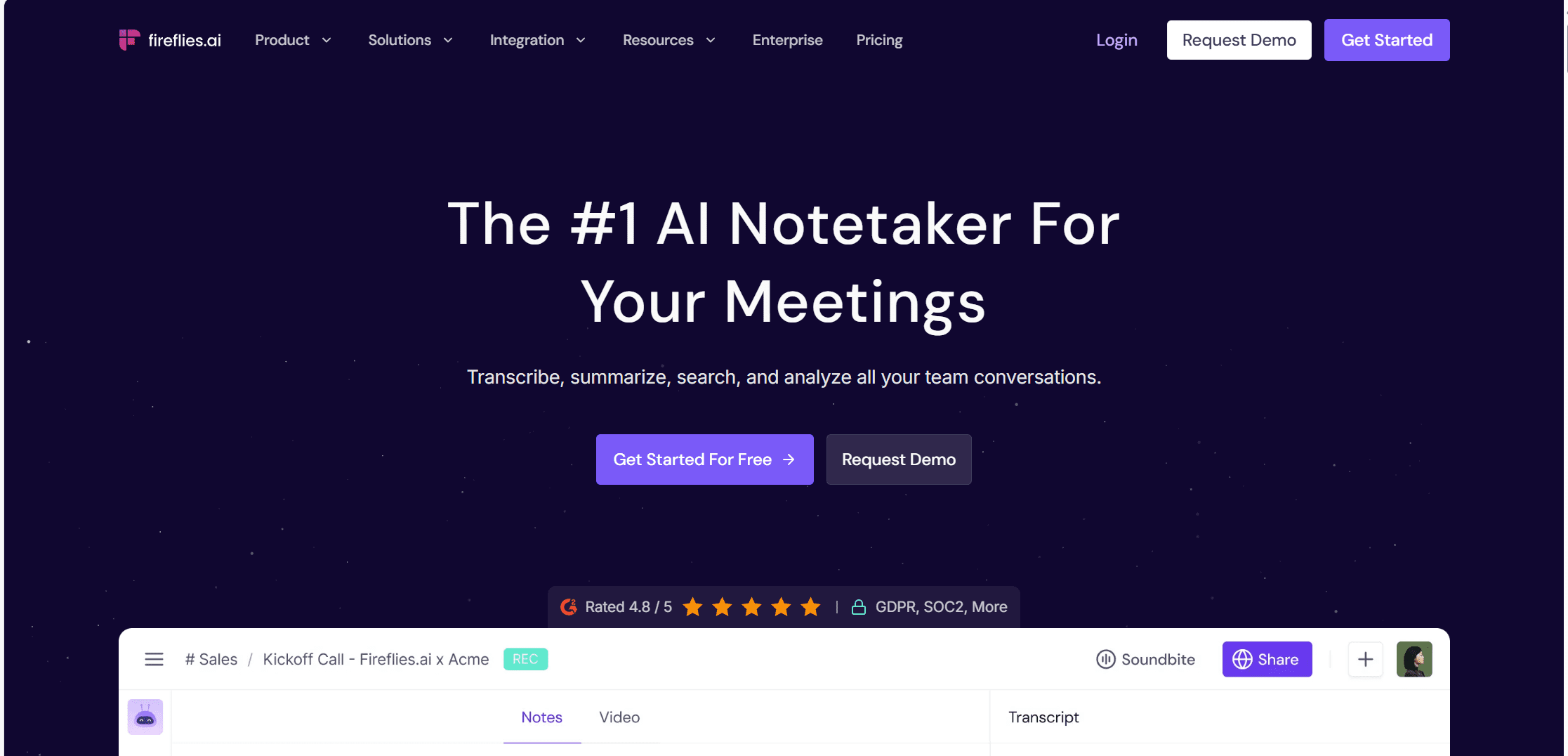
Fireflies offers many of the same features as Claap, but it’s also more affordable and well-established. I tried out Fireflies for myself and I have to say that I preferred it to Claap. There is a free trial as well as a free plan, and this allows you to test out the more advanced features without committing. The summaries are far superior to Claap’s.
Fireflies also has 100+ languages, though it suffers from the same problem as Claap in that it can only transcribe in one preset language at a time. It has the same CRM sync features, though it’s a little lighter on the sales side of things.
Fireflies’ AI assistant, Fred, however, is a super useful chatbot that can even access the internet and provide up-to-date information like ChatGPT, only pre-programmed with your conversations.
3. Fathom

Fathom’s free plan is way better than Claap’s. If you’re an individual, you can use Fathom for free. Only the business-related features are locked behind a paywall. This includes things like collaborative dashboards and advanced integrations.
Fathom also offers notably less sales-related features, but if you’re just looking for a simple, straightforward meeting recorder and transcription tool, you can’t really go wrong with Fathom. It has some of the highest reviews on third-party platforms and it’s widely considered a great, affordable notetaker.
Dani did a deep dive of Fathom recently that you can check out for a closer look.
4. Granola
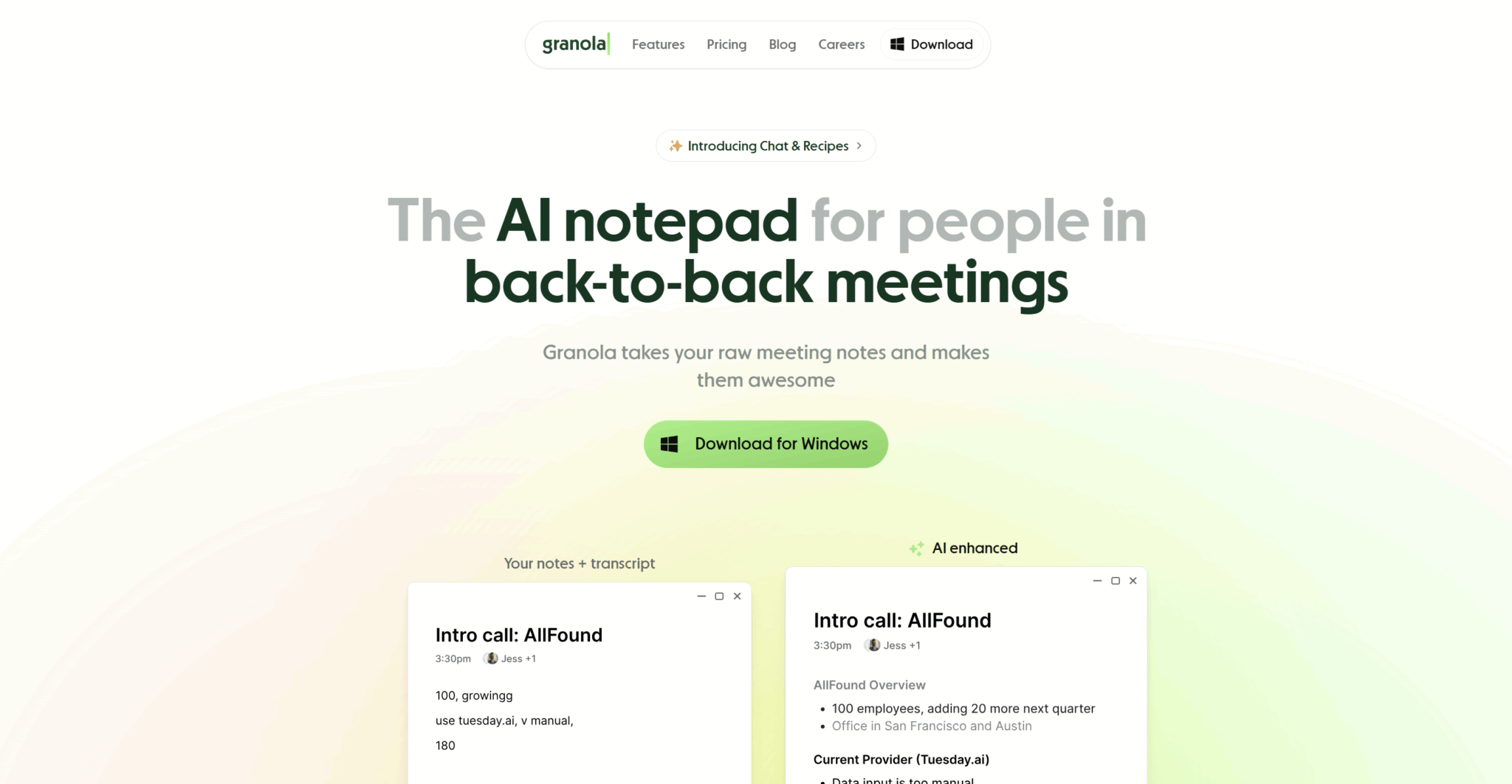
Granola has a slight edge over the other Claap alternatives in that it’s bot-free, like Claap (if you opt for the Chrome extension). This means it doesn’t record video like tl;dv and Fathom (and Fireflies in the Business plan), but it records your device’s audio instead. This has the benefit of being able to be used on absolutely any meeting platform. For instance, I regularly use Granola to record my Russian language lessons on Preply, a platform that isn’t typically compatible with any AI meeting assistants.
It also detects languages automatically, like tl;dv. There are some downsides to Granola, though. For instance, the transcript is a little messy, feeling more like a text message chat than a proper transcript. It’s also near impossible to correct if it’s inaccurate because there is no recording to verify what was said.
The notes for Granola, however, are fantastic, and they generate in seconds. I much prefer them to Claap’s notes. Check out my honest review of Granola for more details and to compare prices.
5. Gong
Gong is a very different beast to the rest of these Claap competitors. It’s much more expensive, but also far more comprehensive. Gong is for big budget sales teams that want an all-encompassing software for closing more deals. It specializes in revenue intelligence, providing deal insights, health tracking, and sales forecasting.
It should be made abundantly clear that Gong is only viable for large enterprises that need a specialist tool for sales and revenue intelligence. If this isn’t you, then you’re better off with one of the previous four Claap alternatives.
If, however, you have cash to splash, then Gong is arguably the industry leader when it comes to sales intelligence. Not everybody likes it, but it has all the bells and whistles you’ll ever need. The problem comes with the hefty price tag. It’s largely kept buried behind a sales call, but I did some digging and put together a Gong pricing calculator that will give you approximate estimates if you’re interested in comparing options. You can find it on our Gong pricing article.
Claap vs Top Alternatives (2025)
Let’s compare each of Claap’s top alternatives in a simple table to make it easy for you to cross-reference.
| Feature / Tool | Claap | tl;dv | Fireflies | Fathom | Granola | Gong |
|---|---|---|---|---|---|---|
| Free Plan Quality | Weak – very limited minutes, most AI paywalled | Strong – generous AI credits, full summaries | Moderate – core features free but capped | Strong – good free tier | Strong – fully free for many use cases | None |
| AI Summary Accuracy | Inconsistent – shallow, often unbalanced | High – very strong multi-speaker accuracy | Moderate – OK but can be verbose | High – clean, concise | Moderate – simple but reliable | Very high – enterprise-grade |
| Transcript Quality | Good but speaker detection struggles | Excellent | Good | Good | Good | Excellent |
| Bot-Free Recording | Yes (Chrome extension) | No | No | No | Yes | No |
| Bot Recording | Yes | Yes | Yes | Yes | No | Yes |
| Interface & Usability | Clean but cluttered menus | Clean and fast | Busy UI, lots of upsells | Very simple | Minimalist | Complex (enterprise-heavy) |
| Notable Features | Screen recording, async collaboration, sales insights | Ask tl;dv, CRM automation, highlights, multi-meeting memory, recurring reports | AI search, topic tracking, integrations | Auto-highlights, tidy summaries | Instant recap, invisible recorder | Deal intelligence, pipeline analytics |
| Integrations | Good – CRM-focused | Very strong – 6,000+ via Zapier | Good – many CRMs | Moderate | Light | Extremely deep CRM ecosystem |
| Pricing (Paid) | €24–48/user/mo | Free – $18–34/user/mo | $10–19/user/mo | Free – $19/user/mo | Free – $14-35/user/mo | $75–200+/user/mo |
| Best For | Lemlist users, hybrid bot/bot-free teams | Multilingual teams wanting accurate AI notes + large native integrations | High-meeting-volume teams | Individuals and people who want simplicity | People who dislike bots in calls and prefer a lightweight, non-intrusive note tool | Large sales orgs |
| Weaknesses | Limited free plan, shaky summaries, buggy screen recorder | No compatibility with Webex or Bluejeans | Can feel heavy, inconsistent summaries | Light on advanced features | Invisible recording legality | Expensive, overkill for SMBs |
| Overall Value | ⭐⭐☆☆☆ | ⭐⭐⭐⭐⭐ | ⭐⭐⭐⭐☆ | ⭐⭐⭐⭐☆ | ⭐⭐⭐⭐☆ | ⭐⭐⭐⭐☆ |
The Verdict: Is Claap Worth Your Money?
If you’re looking for a solid AI meeting assistant to record, transcribe, and provide notes for your meetings, then Claap is a decent choice, but it’s far from the best. Despite the recent hype from Lemlist’s acquisition, Claap falls behind the competition in several areas.
Firstly, its value for money is a lot weaker than many alternatives, including tl;dv, Fireflies, Fathom, and Granola. It doesn’t offer anything particularly unique or groundbreaking, though its screen-recording ability makes it step out of the notetaker niche a tad. If you’re looking for some kind of Loom replacement that also takes notes, this could be a viable option. If you’re not too fussed about screen-recording, one of Claap’s competitors is probably going to be a more efficient choice.
Download tl;dv for free and try it out today to compare with Claap. There are no strings attached!
FAQs About Claap (Nov 2025)
What is Claap?
Claap is an AI meeting assistant that records, transcribes, summarizes, and analyzes your meetings. It can also screen record like Loom, though from my personal experience, this feature feels pretty broken.
In 2025, Claap was acquired by Lemlist for $15 million, which boosted its visibility in the sales-tech space.
Is Claap good?
It’s functional but inconsistent. Onboarding is smooth and the UI is clean, but the AI summaries often lack depth and accuracy and the screen recording function is buggy. The free tier is very limited, and most meaningful features are paywalled.
How accurate are Claap’s notes and summaries?
Mixed. In testing, Claap heavily focused on one participant and ignored others, even in a simple three-person call. Summaries feel shallow and sometimes unbalanced.
Does Claap offer bot-free recording?
Yes, via its Chrome Extension. However, invisible recording raises legal and privacy concerns in many regions, especially for teams that handle sensitive data.
What do you get on the free plan?
You get 10 videos per user, 300 minutes of recording, basic summaries, and bot-free recording. It’s enough to test the interface, but too limited to evaluate Claap’s real strengths.
How much does Claap cost?
Plans range from €0 to €48 per user/month (or more for Enterprise). Pro and Business plans unlock AI summaries, insights, CRM auto-fill, and advanced sales features.
Check the Claap pricing calculator above to find out how much it’ll cost you and your team specifically.
How does Claap compare to competitors like tl;dv?
Claap has a slimmer free plan, fewer AI features available upfront, and weaker summary quality. tl;dv offers more generous free AI credits and more reliable multi-participant notes.
tl;dv also ups its game in the higher tier plans, providing multi-meeting memory, concurrent meeting recording, automatic language detection, as well as advanced sales coaching, analytics, insights, and sales playbook monitoring.
Is Claap good for large companies?
The Business and Enterprise tiers offer admin controls, CRM integrations, SSO, SCIM, and smart reporting, all useful for big sales teams. But accuracy issues may still be a dealbreaker.
What are the main pros of Claap?
Smooth onboarding, clean dashboard, bot/bot-free flexibility, and strong sales-focused features on paid plans.
What are the main cons of Claap?
Shallow summaries, paywalled AI features, limited free plan, confusing menu structure, and potential compliance issues with invisible recording. Not to mention the screen recorder was completely broken when I tried it (though this isn’t a widely reported issue according to other reviews).
Who should use Claap?
Teams already using Lemlist, or sales-heavy orgs needing CRM automation and deal insights.
Who should avoid Claap?
Teams needing dependable AI accuracy, privacy-conscious companies, and users who want to fully test a product before upgrading.