Skip to content







Sales productivity tools exist for one simple reason. Sales reps lose a ridiculous amount of time and generaly energy to work that is not selling.
When I worked in sales, the day rarely looked like the stereotype of constant pitching and closing. A lot of it was admin. Writing call notes. Updating CRM fields. Sending follow-ups. Scheduling the next meeting. Fielding (and hiding from) my sales manager‘s questions. Crying in the toilets. Then repeating the process again after the next call.
Most of those tasks are small. None of them take very long on their own. The problem is how quickly they stack up.
Ten minutes of writing notes after each call turns into hours across a week. Add CRM updates, internal summaries and scheduling, and suddenly a huge chunk of a sales rep’s day disappears before the next conversation even starts.
Now, things have moved on since my days of cold calling, and there are a lot more efficient ways to spend your day than manually punching numbers into a landline.
Sales productivity tools are software platforms that help sales teams reduce administrative work, organize their workflow and spend more time actually selling.
Modern sales teams have access to tools that automate large parts of the administrative work that used to eat up entire afternoons.
So instead of another long rant about CRM updates, here are ten sales productivity tools that actually help reps get their time back (and may even make me consider heading back into sales, hahaha. Not likely!)
tl;dr – The 10 sales productivity tools covered in this guide
- tl;dv = meeting recording and AI call insights
- Calendly = meeting scheduling
- Motion = AI calendar planning
- Freedom = distraction blocking
- Forest = focus timer
- LinkedIn Sales Navigator = prospect research
- Clay = lead enrichment
- Grammarly = writing assistant
- Notion = personal knowledge management
- Todoist = task management
1. tl;dv
If you spend half your day in discovery calls and demos, notes quickly become one of the biggest drains on your attention.
Writing them during the call is not ideal either. You are trying to listen properly, ask good questions, keep the conversation moving, and pick up on those small details that help build rapport later. At the same time you are typing, trying to capture key points, remembering objections, and hoping you have not missed something important while you were staring at your keyboard.
Anyone who has worked in sales knows that split focus feeling.
You want to be fully present in the conversation, but a part of your brain is always thinking about what you need to write down afterwards. Budget… Timeline… Stakeholders and decision makers… Next steps. That one tiny, throwaway comment that sounded like a hidden objection.
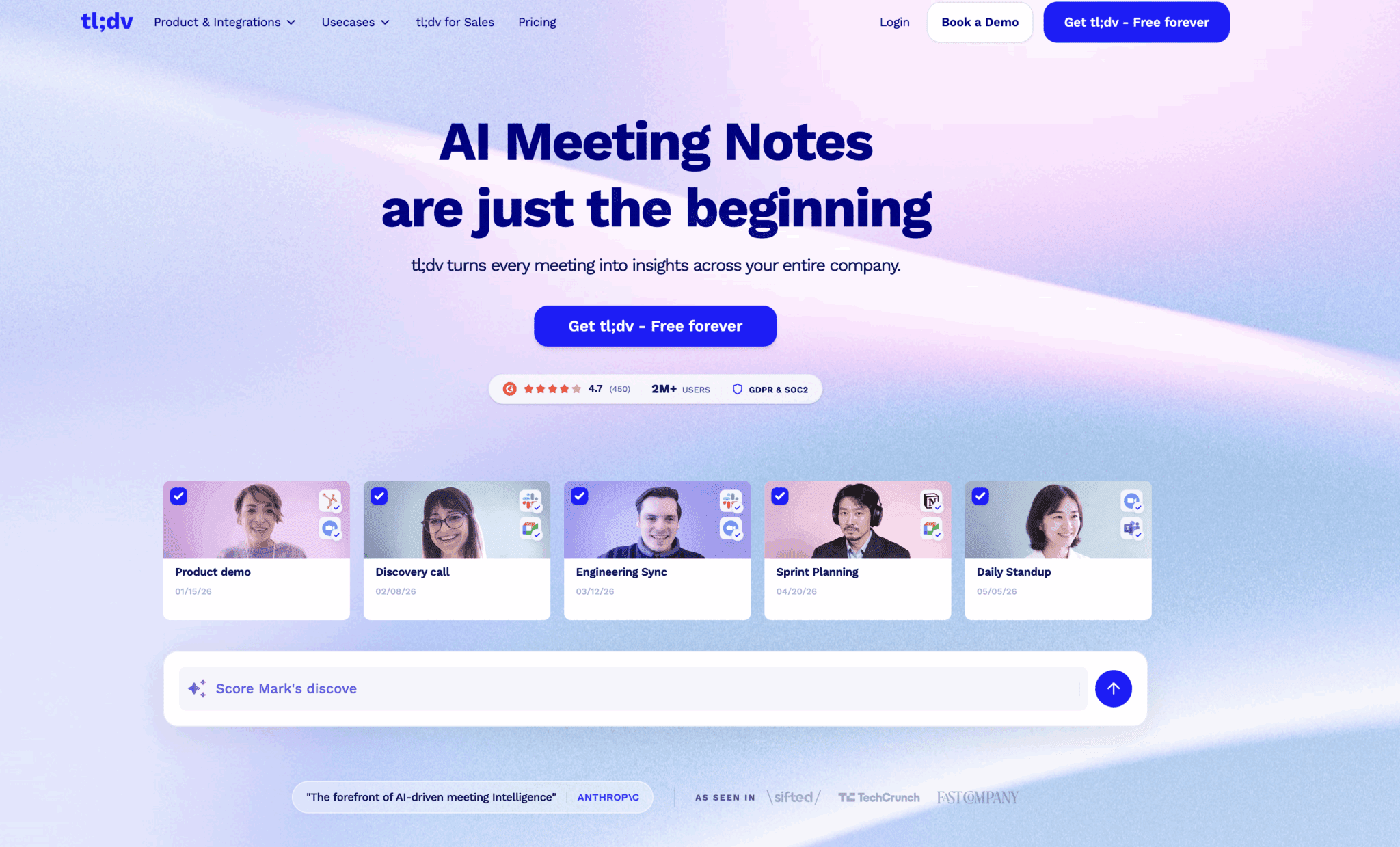
tl;dv helps remove that mental overhead by recording meetings and generating transcripts, summaries and action points automatically. Instead of trying to capture everything yourself, the entire conversation is documented and searchable.
That changes the dynamic of the call. You can concentrate on the person in front of you, follow the thread of the discussion properly, and ask better questions because you are not juggling note taking at the same time. Adde bonus? It can also be loaded with sales playbooks, score cards and you can even use it for training.
Key features
- Automatic meeting recording and transcription
- AI summaries and action items
- Custom templates
- Ask tl;dv allows you to chat with the meeting
- Multi-meeting insight
- Search across transcripts from multiple meetings
- Integrations with thousands of tools
- Mobile apps and unlimited recording storage
- Sales coaching
Good for
- Sales reps running lots of discovery calls and demos
- Teams that want automatic meeting summaries and action points
- Managers who want insight across multiple customer conversations
- Global teams working across multiple languages
Not for
- Sales teams that rely mostly on phone calls rather than video meetings
- Organizations that do not record customer conversations
- Very small teams that only run occasional meetings
Cost
Free plan available with unlimited recordings and transcription.
Paid plans start at around €19 / $20 per seat per month, with team features like advanced meeting insights and automation available from €28 / $30. For more details visit the tl;dv pricing page.
2. Calendly
Booking meetings sounds simple, yet it can quietly eat up a surprising amount of time during the sales process.
You send a few suggested times. The prospect cannot make those. They send alternatives. You check your calendar. Something else has moved. Then another email goes back and forth trying to find a slot that works for everyone.
Multiply that across dozens of prospects and it quickly becomes a small but constant drain on the day.
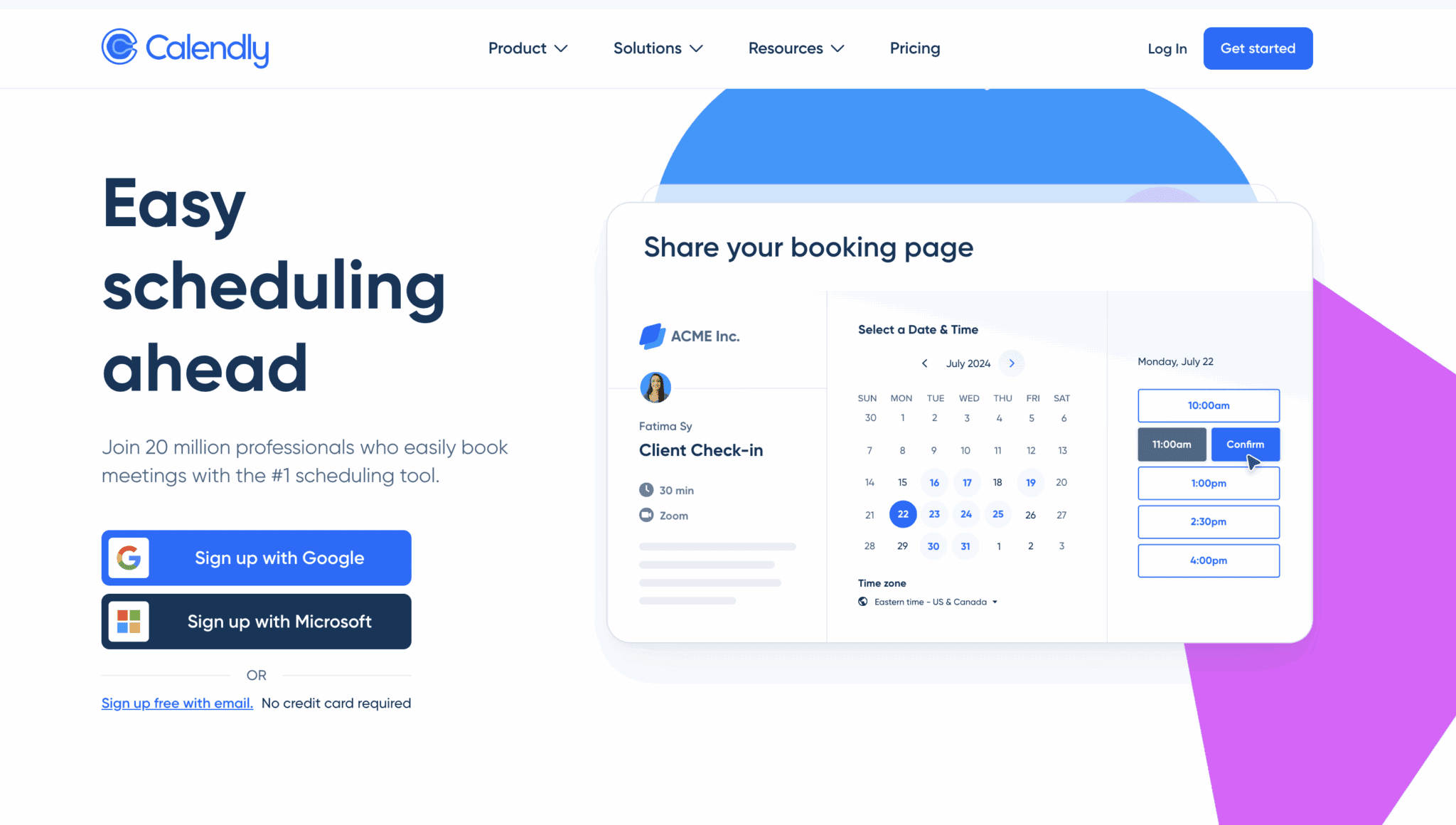
Calendly removes most of that friction by letting people book time directly into your calendar. You share a link showing your availability, the prospect chooses a slot that suits them, and the meeting appears automatically in both calendars.
For sales reps running lots of demos, discovery calls and follow ups, this keeps conversations moving without the scheduling back and forth.
Good for
- Sales reps booking lots of discovery calls and demos
- Teams coordinating meetings across multiple time zones
- Removing the back and forth of scheduling emails
- Keeping calendars organised automatically
Not for
- Teams that prefer all meetings to be arranged manually
- Sales processes where meetings are rarely scheduled
Cost
Free plan available with basic scheduling features.
Paid plans start at around €10 / $10 per user per month for additional automation and team scheduling features.
3. Motion
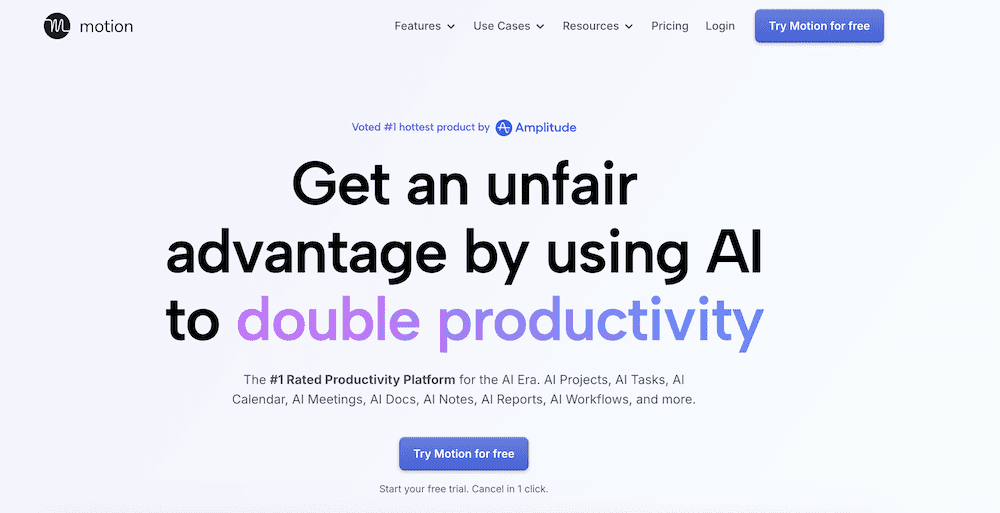
Sales days can get messy very quickly. A few discovery calls turn into demos, then follow ups, internal meetings, pipeline reviews and a growing list of small tasks that still need doing somewhere in between.
Meetings get booked through tools like Calendly, calls get recorded by platforms like tl;dv, and before long your calendar looks full but your actual work still needs a place to live.
Motion acts like a second brain for your schedule. Instead of manually figuring out when to send proposals, follow up with prospects, prepare for demos or complete admin work, the system automatically places tasks into your calendar around your existing meetings.
If something moves or a new meeting appears, the schedule adjusts automatically. Tasks get reshuffled so the important work still finds space in the day.
For sales reps dealing with unpredictable calendars, it can be a helpful way to keep momentum without constantly reorganising your own schedule.
Good for
- Sales reps juggling lots of calls and follow ups
- Blocking time for outreach, prep work and proposals
- Keeping tasks organized around a busy meeting schedule
Not for
- People who prefer planning their calendar entirely by hand
- Teams with very rigid daily schedules
Cost
Plans start at around $29 to $69 per user per month, depending on tier and contract terms.
4. Freedom

Sales is one of those jobs where distractions creep in constantly. I know that I was always guilty of sneaking at my phone, although Buzzfeed and Facebook were automatically blocked on our work computers (Yes, I am that old).
A quick glance at LinkedIn turns into twenty minutes of scrolling. Slack pings. Emails appear. Someone messages you about a deal. Your phone lights up while you are halfway through writing an important follow up. Your attention is being pulled in multiple directions before you can even finish your first coffee of the day.
Freedom helps create protected blocks of focus by temporarily blocking distracting websites and apps across your devices. You choose what gets blocked and for how long, which makes it easier to protect time for things like prospecting, proposal writing or preparing for demos.
Because it works across computers, tablets and phones, it removes the temptation to simply switch devices when you are trying to focus.
For sales reps who need occasional quiet time to prepare properly, those distraction-free windows can make a big difference.
Good for
- Blocking social media and distracting websites
- Creating focused prospecting or proposal writing blocks
- Sales reps who work across multiple devices
Not for
- People who rely heavily on social platforms during the workday (and by rely, I mean people who use it for work itself!)
- Teams that prefer keeping communication tools open at all times
Cost
There is a free tier, but for more features the Premium Plan start is around $39.99 per year.
5. Forest
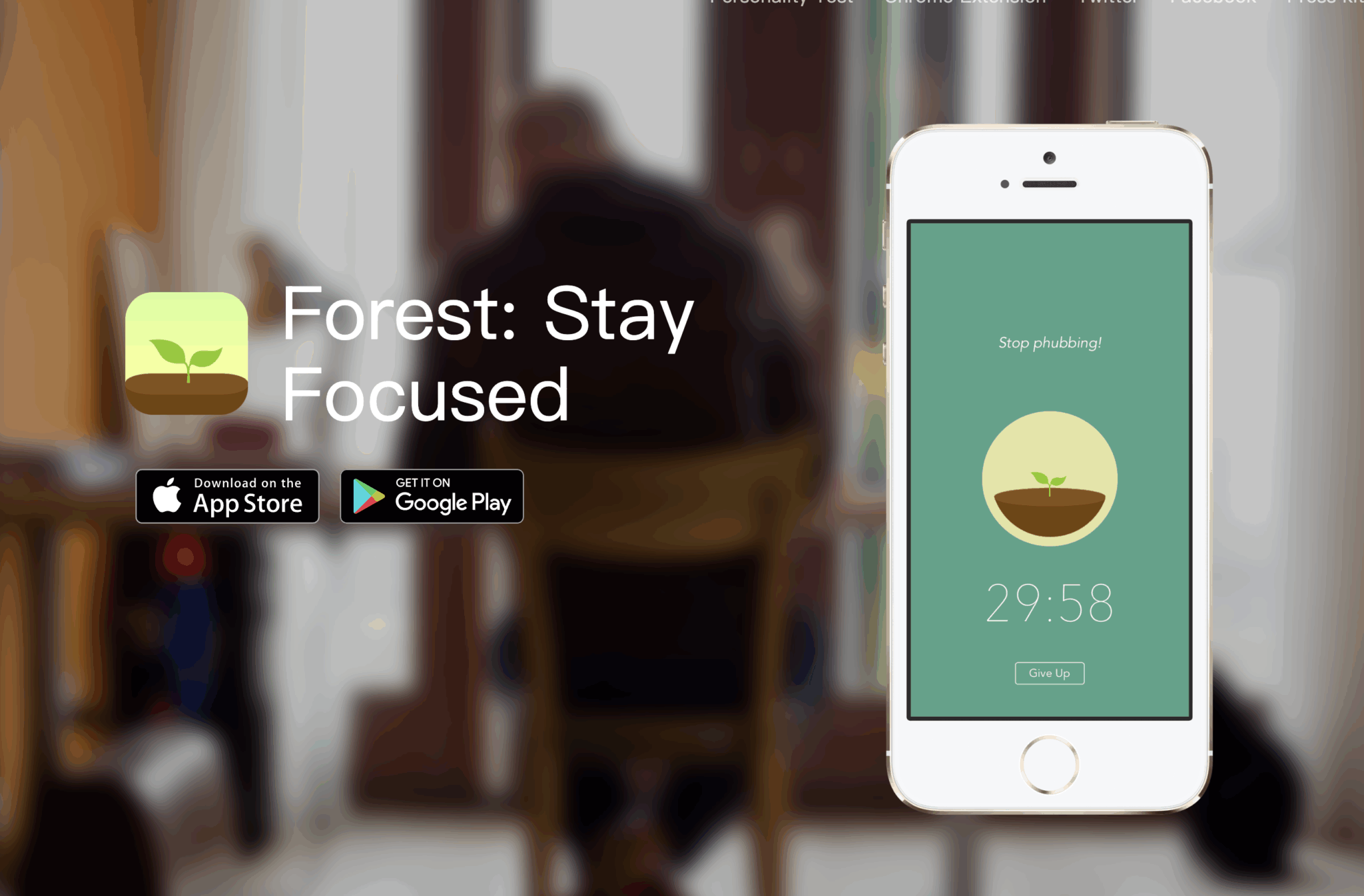
Sometimes productivity does not require a complex system. It just needs a short burst of focus. The Pomodoro Method is a great way of doing this, but sometimes we like a bit of gamification mixed with a sense of calm.
Sales work naturally breaks into blocks like prospecting, writing follow ups, preparing demos or researching accounts. The challenge is staying focused long enough to actually finish the task before another notification or message pulls your attention away. By keeping things to singular blocks, you also reduce the amount of context switching that you do, leading to deeper work and better results.
Forest turns focus into a small game. When you start a work session, you plant a virtual tree. The tree grows while you stay focused and using your phone will kill it.
It sounds simple, but the visual element is surprisingly effective. Many people use it for short focus sprints when working through tasks that require concentration.
For sales reps this can be useful during outreach blocks, proposal writing sessions or any moment where you want to work uninterrupted for a while.
Good for
- Short focused work sessions
- Prospecting or follow up writing blocks
- Building better focus habits during the day
Not for
- People who prefer traditional task management tools
- Sales teams that rely heavily on phone activity during work sessions
Cost
Free version available.
The paid version is an annual subscription of around $35.99.
6. LinkedIn Sales Navigator
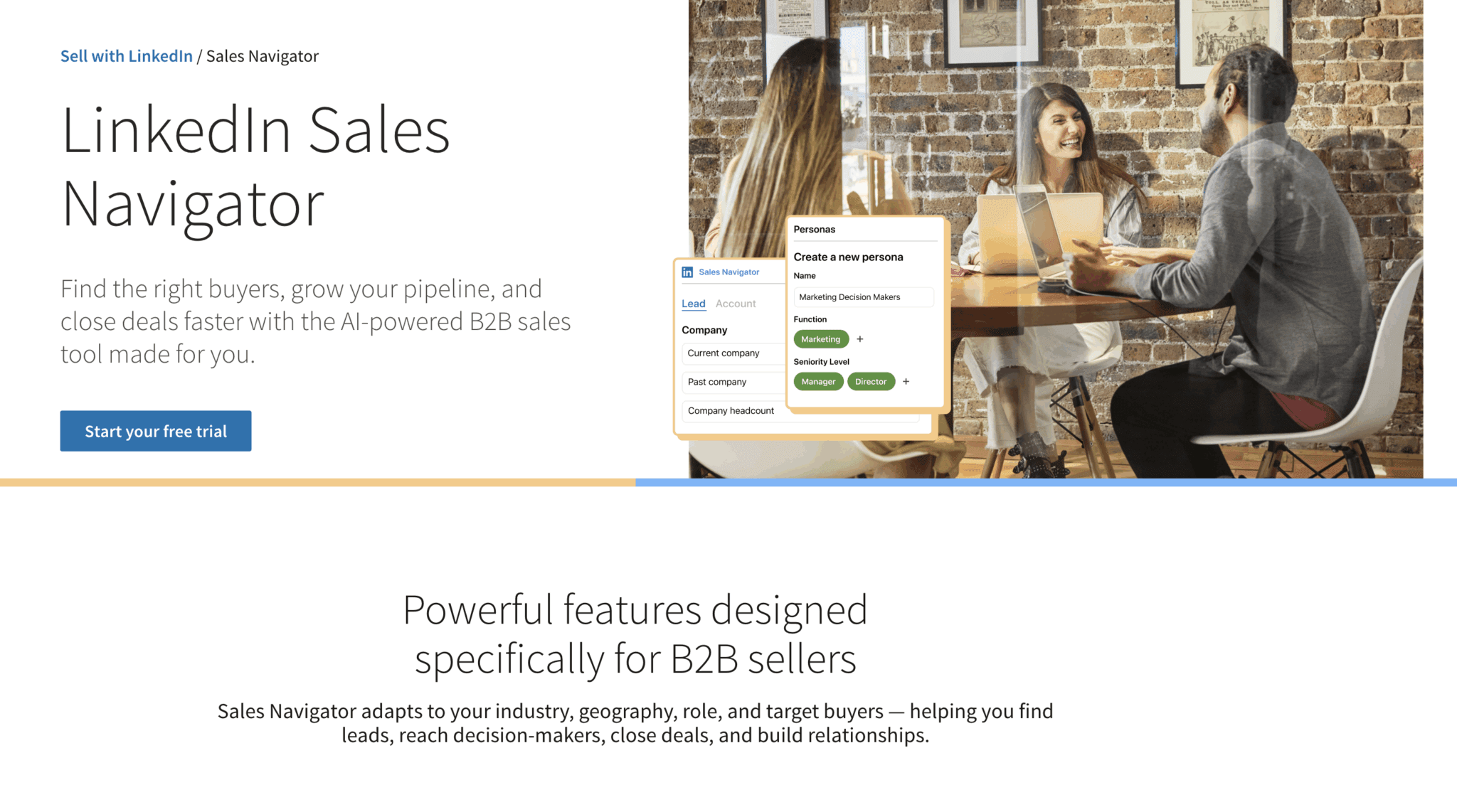
Good sales conversations rarely happen by accident. The strongest calls usually come from reps who have done a little homework beforehand.
Knowing who you are speaking to, what their company is working on, and where they sit within the organisation can completely change the tone of a discovery call.
LinkedIn Sales Navigator gives sales teams a much deeper way to explore the professional network on LinkedIn. Instead of simply browsing profiles, you can search for leads within specific companies, track job changes, follow organizations and receive updates when something important happens.
That context can be surprisingly valuable when preparing for calls. A recent funding announcement, a leadership change or a new product launch can all become natural conversation starters.
For sales reps doing outbound prospecting or account based selling, having that extra layer of information often leads to more relevant outreach and stronger conversations.
Good for
- Sales reps researching prospects before discovery calls
- Account based sales strategies
- Tracking role changes and company updates
- Finding decision makers inside larger organizations
- People looking at doing cold prospecting to build up their pipeline
Not for
- Sales teams that rely mostly on inbound leads
- Organizations selling into industries where LinkedIn usage is low
Cost
Plans and costs can vary a lot, depending on the level of Sales Nav you select. Typically prices start at around $99 / €90 per user per month, depending on the plan and billing structure.
7. Clay
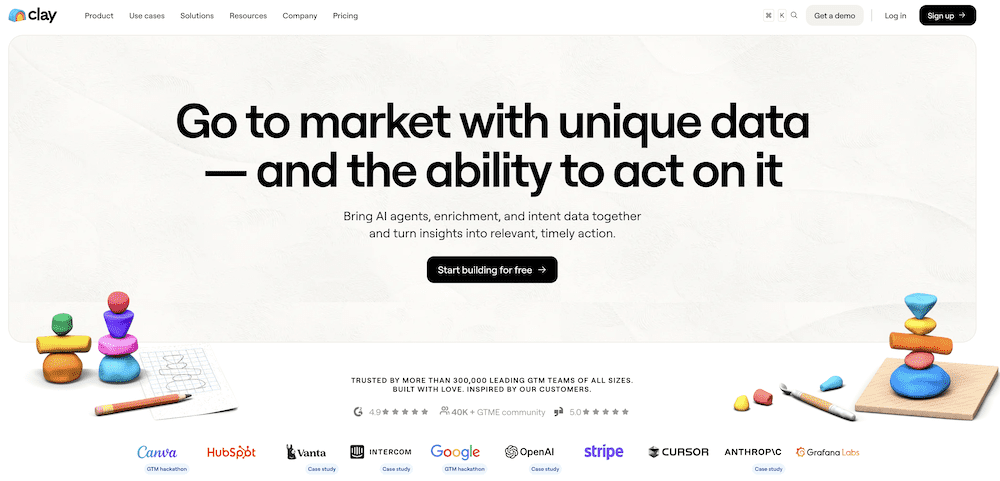
It took me a little while to get my head around Clay, and I even attended a couple of webinars on what it is and how it can be used. This is comeing from someone who has been in sales, has done email marketing and writes for a living, so it’s not my first rodeo.
At its core, Clay is a lead enrichment platform that works using a waterfall approach. The system searches multiple data providers one after another, automatically hunting down missing information and filling in the most reliable details it can find.
In practice this means you can start with a basic list of companies or contacts and then enrich it with additional information such as job titles, company details, email addresses, technology stacks or social profiles.
For outbound teams this can dramatically speed up the research stage of prospecting. Instead of opening ten tabs and piecing information together manually, much of that work can be automated.
The thing is in sales, you will spend an inordinate amount of time finding the right person, the right number, the right email, and while it’s not a cheap fix, it does give you the strongest chance to get the right person at the right time. Maybe not as fun as growing a little tree on your phone, but it will save you time scrabbling around trying to find the person who will sign the contract.
Good for
- Outbound sales teams building prospect lists
- Enriching lead data from multiple sources
- Researching companies before outreach
- Account based sales strategies
Not for
- Teams that rely mostly on inbound leads
- Sales reps who prefer very simple prospecting workflows
- Sales teams that have super active marketing teams who may be hitting this already
Cost
Free plan available with limited credits.
Paid plans typically start at around $134 per month, billed annually starting with 24k credits per year.
8. Grammarly
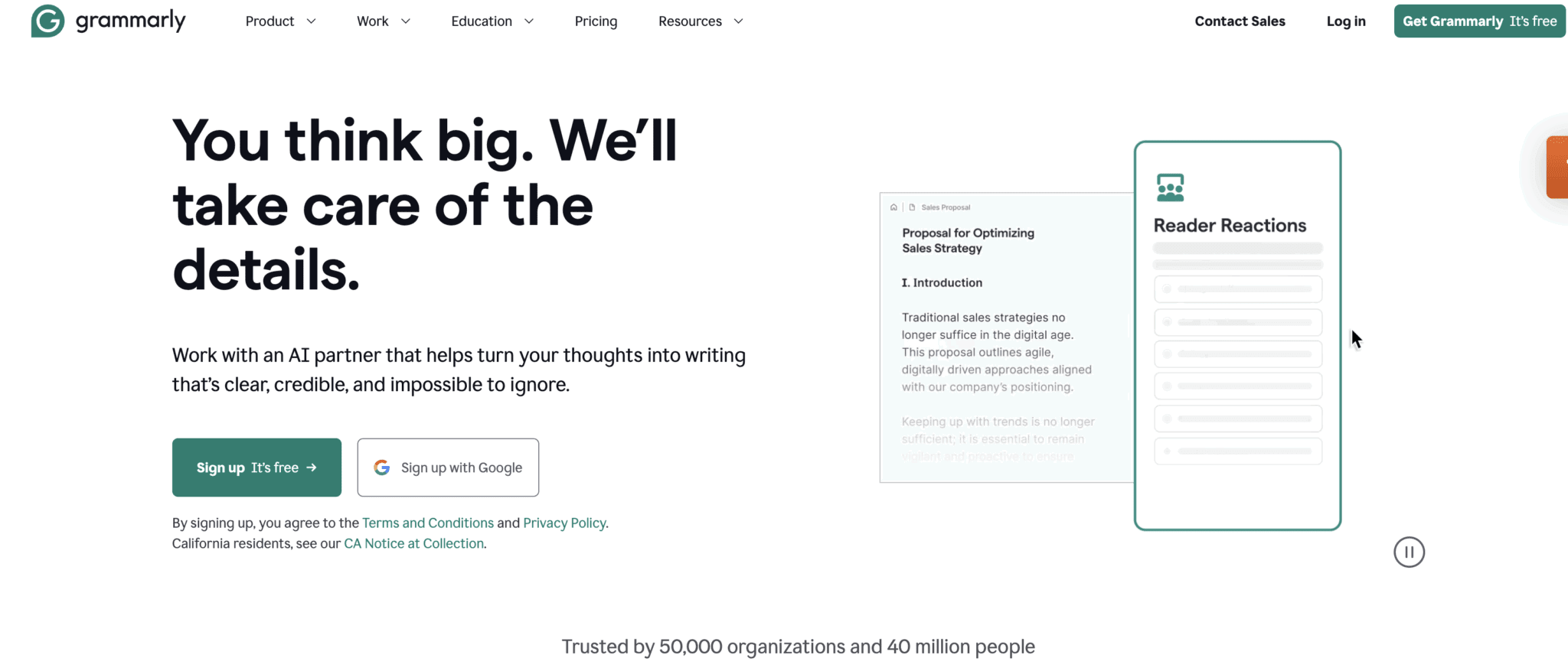
Sales involves far more writing than most people expect.
Follow up emails after calls. Outreach messages. Internal updates. Proposals. LinkedIn messages. All of it adds up quickly across a busy week.
When you are moving fast it is easy for small mistakes to creep in, or for messages to come across more abrupt than you intended.
Grammarly works quietly in the background across email, documents and browsers, checking spelling, grammar and tone as you write. It can also suggest clearer phrasing or highlight parts of a message that might sound too formal or too direct.
For sales reps sending dozens of messages a day, it helps keep communication clear and professional without slowing you down.
Good for
- Sales reps sending lots of emails and follow ups
- Polishing outreach messages quickly
- Improving written communication
- Those who may struggle with spelling and grammar
Not for
- People who prefer writing without any automated suggestions
- Teams working in environments where browser extensions are restricted
Cost
Free plan available with basic writing suggestions.
Paid plans start at around $30 per user per month for advanced writing and tone suggestions.
9. Notion
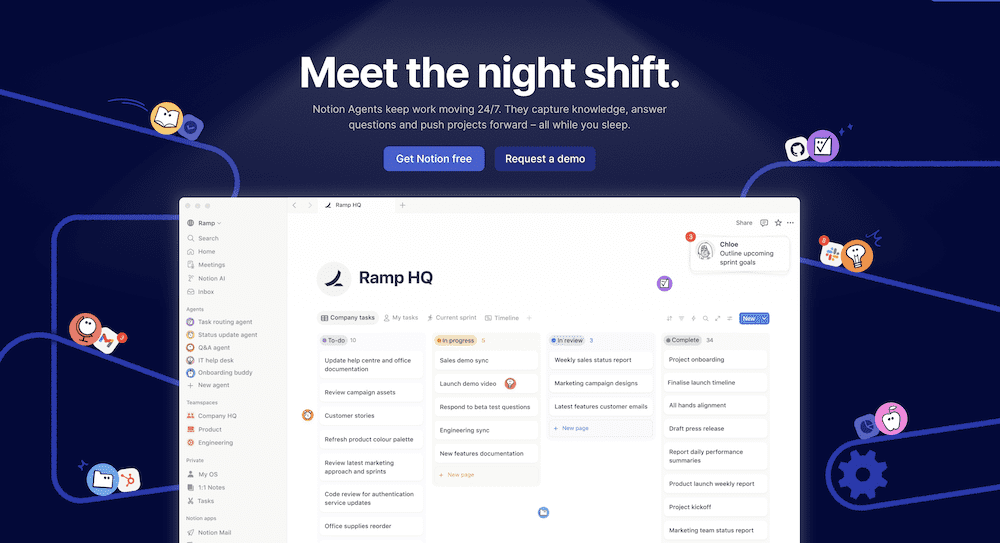
Sales is one of those jobs where you slowly build up a lot of useful knowledge over time.
Great discovery questions. Ways of handling tricky objections. Lessons from deals that went well, and the ones that did not. Notes from training sessions. Competitor insights. Messaging that resonated with prospects.
If you do not keep track of those lessons somewhere, they tend to disappear into scattered notes, Slack messages or half remembered conversations.
Notion works well as a personal workspace for organizing that knowledge. Many sales reps use it to track professional development, keep their own library of discovery questions or objection handling ideas, and document what they learn from deals over time.
Rather than acting as a system for managing customer conversations, it becomes a place to reflect on them. Over time that collection of notes can turn into a personal sales playbook that helps sharpen your approach to future deals.
It can also double as a simple planner for personal goals, training notes or ideas you want to revisit later.
Good for
- Tracking professional development in sales
- Building your own library of discovery questions and sales frameworks
- Reflecting on lessons from past deals
- Keeping ideas, notes and resources organized in one place
Not for
- Teams looking for a CRM or pipeline management system
- Managing customer conversations or meeting notes directly
Cost
Free plan available.
Paid plans start at around $10 / €10 per user per month for additional collaboration and workspace features.
10. Todoist
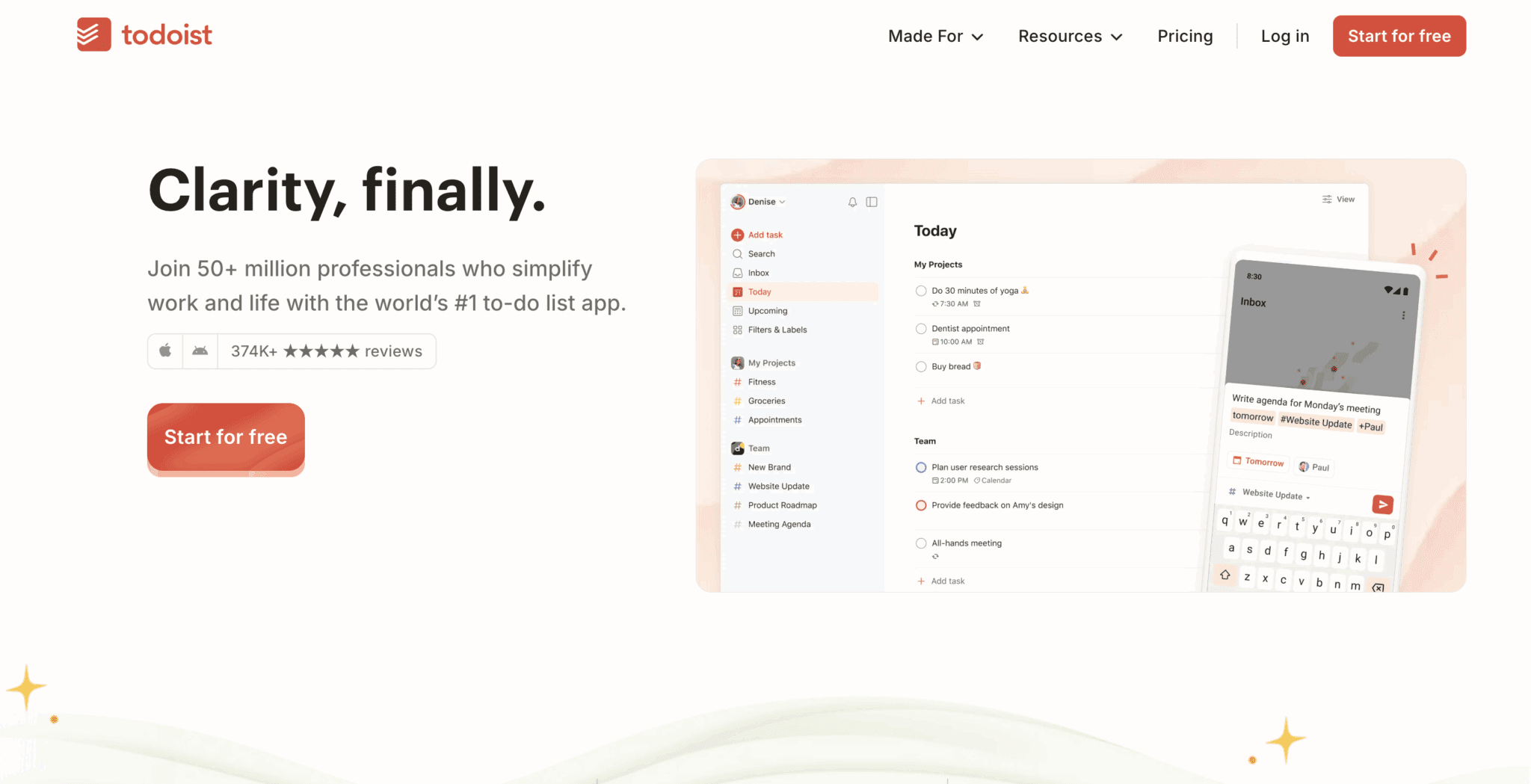
One of the easiest ways to lose trust in sales is by forgetting something small that you promised during a conversation. That might be sending a pricing document, introducing a colleague, sharing a case study or checking back in after an internal meeting.
Those commitments usually come up in the middle of a call, at the exact moment your attention is focused on the conversation itself. By the end of the day it is surprisingly easy for one of them to disappear into the noise of meetings, emails and follow ups.
Todoist works well as a simple capture system for those moments. Instead of trying to remember everything, you can quickly drop tasks into a running list and organize them later. Many sales reps keep it open during the day so that actions from calls immediately become trackable tasks.
There is another reason tools like this can be helpful in sales. The job often involves long stretches of work before the real wins appear. Deals can take weeks or months to close, and even strong pipelines sometimes go through quieter periods.
Being able to tick off smaller pieces of progress helps keep momentum going during those stretches. Following up on a conversation, researching an account or sending a proposal might seem like small actions on their own, yet seeing that steady stream of completed tasks can provide a surprisingly useful boost of motivation while you work towards the larger outcome.
Good for
- A secondary place to store follow-up actions that come out of meetings
- Keeping track of commitments made to prospects
- Maintaining momentum during longer sales cycles
- That sweet, sweet dopamine hit of ticking something off
Not for
- Teams that manage tasks entirely inside their CRM
- People who prefer planning everything directly inside their calendar
Cost
There is a free plan.
For something more substantial there is a $5 per month per user tier (billed annually at $60) and a Business tier designed for teams, based on $8 per month per user (billed annually at $96).
Are Sales Productivity Tools Worth It in 2026?
Yes. Productivity in sales is not only about squeezing more tasks into the day. In reality, the job has always been a balancing act between conversations, preparation, follow ups and the small pieces of admin that keep deals moving forward. All this while trying not to lock yourself in a cubicle crying (Ok, that could just have been me).
Some of that work is unavoidable. Sales still relies on human relationships, curiosity and the ability to listen carefully to what a prospect is actually saying. No tool replaces that part of the job.
What the right tools can do is remove friction around the edges. Recording meetings so you can stay focused on the conversation. Automating scheduling so demos happen faster. Blocking distractions when you need to concentrate. Keeping track of the commitments you make during calls so nothing slips through the cracks.
Sales can also be a long game. Deals take time, pipelines go through quieter periods and the big wins that make the job exciting do not happen every week. During those stretches, maintaining momentum becomes just as important as chasing the next opportunity.
Used well, productivity tools help create that momentum. They give you space to think more clearly, stay organized and focus on the parts of sales that actually move deals forward.
So yes, in 2026 sales productivity tools are still relevant and are getting better and better at smoothing out the boring, admin-heavy side of the life of a sales rep.
If you want to start getting even more productive in sales then try tl;dv out and see how much time and energy you can save.
FAQs About Sales Productivity Tools
What are sales productivity tools?
Sales productivity tools are software platforms designed to help sales teams reduce administrative work, organize tasks and streamline their workflow. They often automate things like meeting notes, scheduling, prospect research, follow ups and task management so reps can spend more time talking to customers.
How do sales productivity tools improve performance?
Sales productivity tools improve performance by removing small tasks that interrupt the selling process. Recording meetings automatically, scheduling calls without email back and forth, organising follow ups and blocking distractions all help sales reps focus on conversations and relationship building.
What are the most useful sales productivity tools?
Some of the most useful sales productivity tools focus on different parts of the sales workflow. Meeting intelligence tools, such as tl;dv, capture conversations, scheduling tools book demos automatically, research platforms help find prospects and productivity apps help manage tasks and focus during the day.
Are sales productivity tools only useful for large sales teams?
No. Many sales productivity tools are designed for individuals and small teams as well as larger organizations. Freelance sales consultants, founders and small sales teams often benefit from automation tools because they reduce manual work and help manage multiple deals at once.
How should sales teams choose the right productivity tools?
The best approach is to focus on tools that remove the biggest sources of friction in your day. For some teams that means automating meeting notes, for others it might be scheduling, prospect research or task management. The most effective sales stacks in 2026 tend to combine a few simple tools rather than relying on a complex system.