Google Docs integration with tl;dv

Documents resonate with real conversations. Imprint your Microsoft Teams, Zoom, and Google Meet insights directly into Google Docs, ensuring every word document is underpinned by meaningful discussions.

Documents Deepened by AI-curated Dialogues.

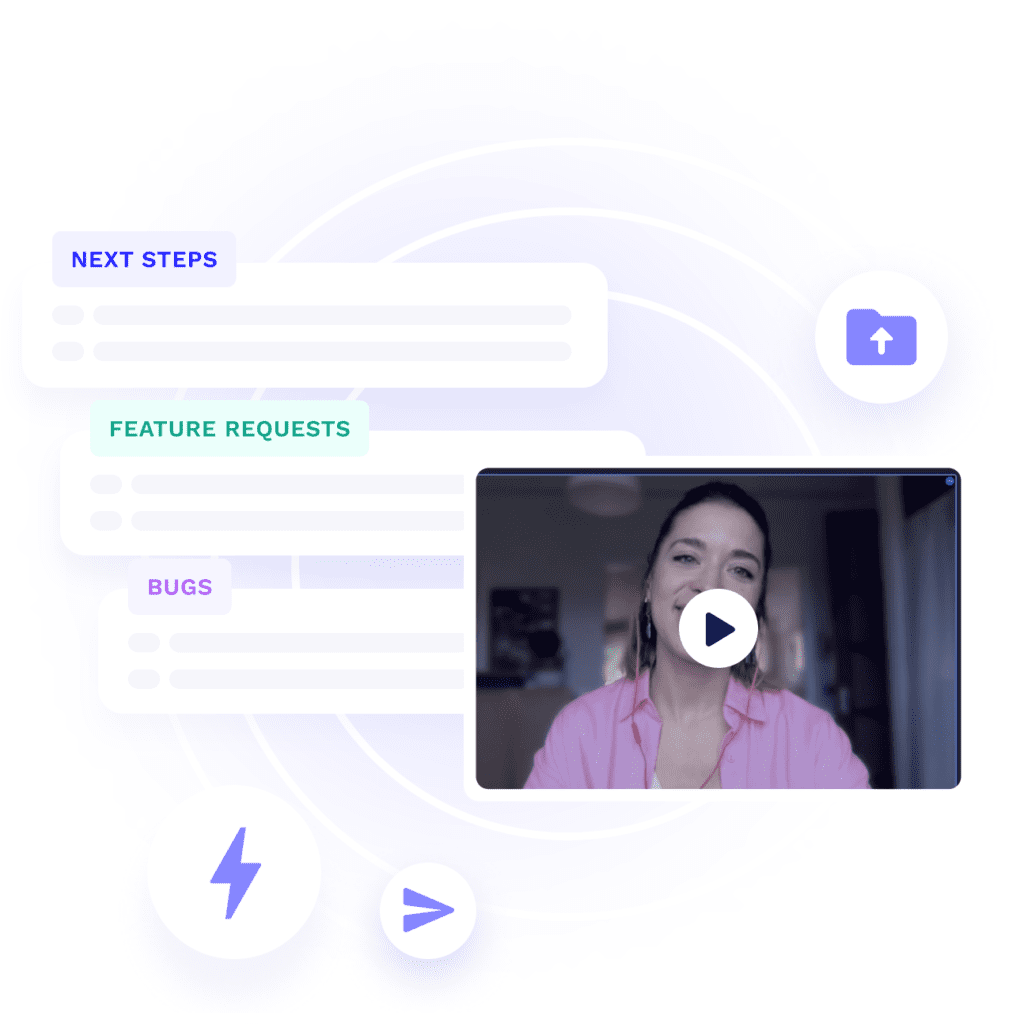
Utilize our AI Meeting Template honed for content creation, embedding those fine-tuned meeting summaries right into Google Docs. Dive into any document, grasp the essence swiftly with tl;dv’s summaries, and for a detailed perspective, click directly into the specific recording segments.

Setting up your integrations is easy

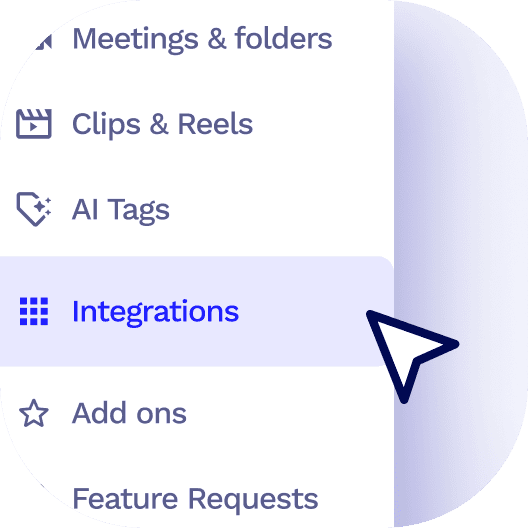
On the tl;dv side menu, click on the integrations tab

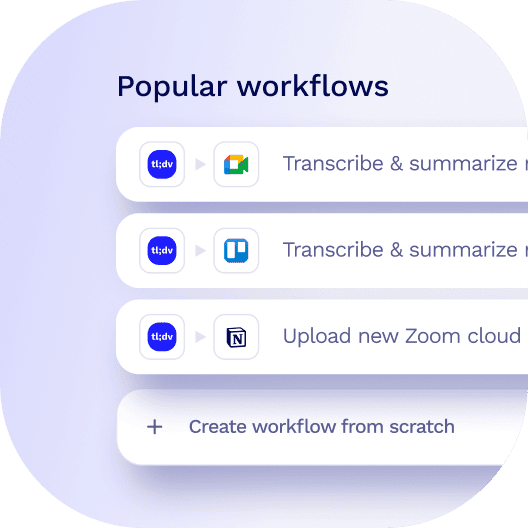
Select from our featured templates or create your own custom workflows.

Off you go! Sit back and relax, your data will flow seamlessly between apps.

Get started with tl;dv
Record, transcribe, clip and share with Google Meet, Zoom and Microsoft Teams

Similar integrations

Automate organization! tl;dv syncs meeting summaries, injecting insights directly into Google Drive.
More slacking in Slack! Send AI meeting summaries directly to your teams slack channel, automatically
tl;dv auto-summarizes meetings, seamlessly injecting the key insights as cards into Miro. Easy peasy.
Integrate your Microsoft Teams, Zoom, and Google Meet sessions into Discord, turning every server into a hub of rich interactions.

Similar workflows

Create Monday.com tasks and pages from AI meeting notes and recording files
Create Notion tasks and pages from AI meeting notes and recording files​
Update Hubspot contacts with AI meeting notes and recording files​
Elevate your project management by automatically saving Microsoft Teams meeting highlights and AI notes in OneDrive, ensuring your team's collaboration is both efficient and insightful.